
By hovering over your project Location select the Editor.
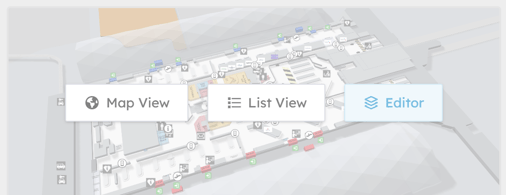
Once this has been selected the map will open and show the following options.

 selecting this option will open the Editor Settings for the following.
General: Map Tile Provider.
This allows you to change the background tile of your maps.
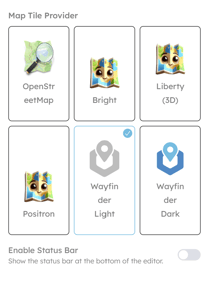 Examples Here: Map Tiles
Layers
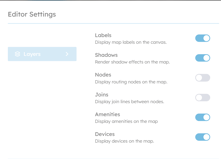 Allows you to select what you see on the map.
Icons
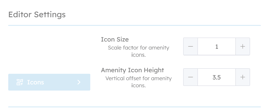 Allows you to change the size & hight of the Amenity Icons
Content Tab
-
This option takes you back to the map.
Geometry Tab
This has several options to allow you to edit the Map, draw destinations, mover destinations, measure distance.
Routing Tab
This allows you to add Nodes, Draw Paths, Join Nodes and add Doors to Destinations.
Labels Tab
This allows you to Edit any of the destination/location labels.