Open Project Settings
- Select the required project in the header. All Projects cannot be used.
- Select Settings in the side navigation.

If no project is selected, Beacon displays a warning instead of the form.

Fallback Image
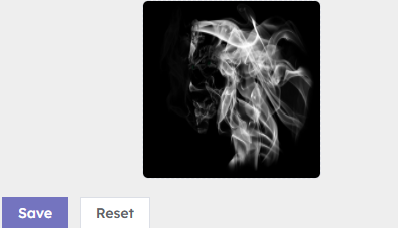
The fallback image is shown by players when they lose connectivity.
- If no image exists, select the upload control to add one.
- If an image already exists, select it to choose a replacement.
Check that the image is suitable for every Device and screen orientation in the project.
Save or reset
Select Save to store the selected image. Beacon confirms that the project settings were saved.
Select Reset to discard unsaved changes and reload the currently saved fallback image. Reset does not delete the saved image.