You can invite new users to your organisation and control their permissions via the users page.
Click your user icon in the top right corner and select "users".
Click "New User".
Complete the users details, ensuring the email address is correct (they are sent an invite email).
Permissions
Users are assigned roles.
Map Admin
These users can only access the map editor.
Project Admin
These users can only access specific projects.
User Admin
These users can access and create new users.
Account Manager
These users can use all functions of the CMS.
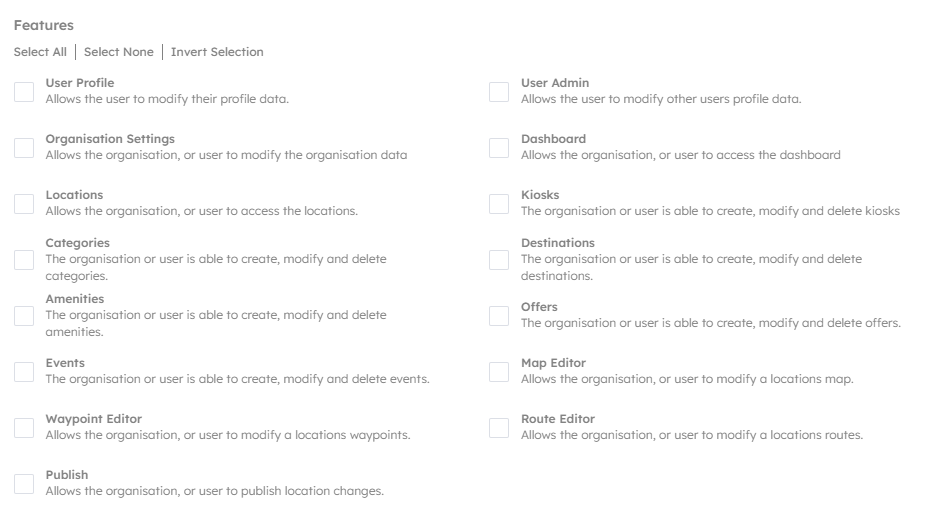
Features
This section allows fine grain control over a users access to certain features. Each feature is explained below.