
The the plugin encounters an error, an alert will be shown (see example below).
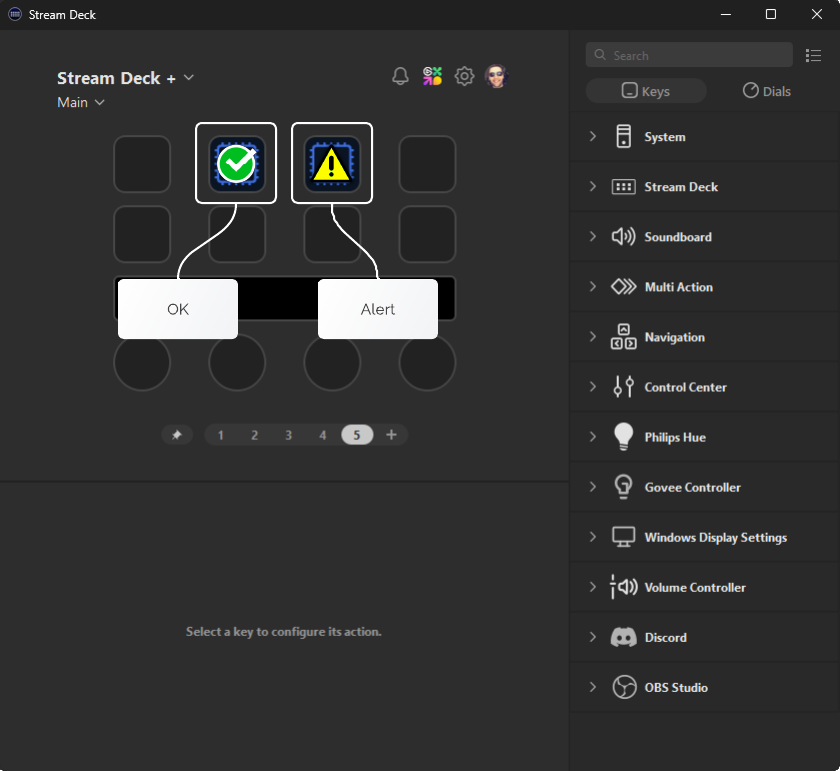
Follow the steps on this page to find the cause of the alert. If the issue is not resolved, please contact support and provide log files.
- On Windows:
%appdata%\Elgato\StreamDeck\Plugins\com.acquire-digital.studio-dx.sdPlugin\logs\
- On macOS:
~/Library/Logs/ElgatoStreamDeck/
Action Configuration
-
The first thing to check is the configuration. Open the stream deck application and click on the action to bring up the property inspector.
Missing setting
It may be that a configuration change has caused a setting to be come unselected. Ensure that all settings (playlist, group etc) are set to the desired option.
When reloading data from StudioDX, any objects that have been renamed or deleted in will be unset from your action. Please check any configured actions after reloading the data.
Out-of-date configuration
-
If you have updated playlists, groups, players or playlists in the StudioDX editor, you will need to reload the data in the plugin.
-
Player Communications
-
If the plugin cannot communicate with a player, an error will be logged.
Blocked Port
- Ensure the ports are not blocked. Check if the editor can communicate with the player.