
How to Use
- Select a feature in Geometry mode
- Choose Transform from the edit actions toolbar
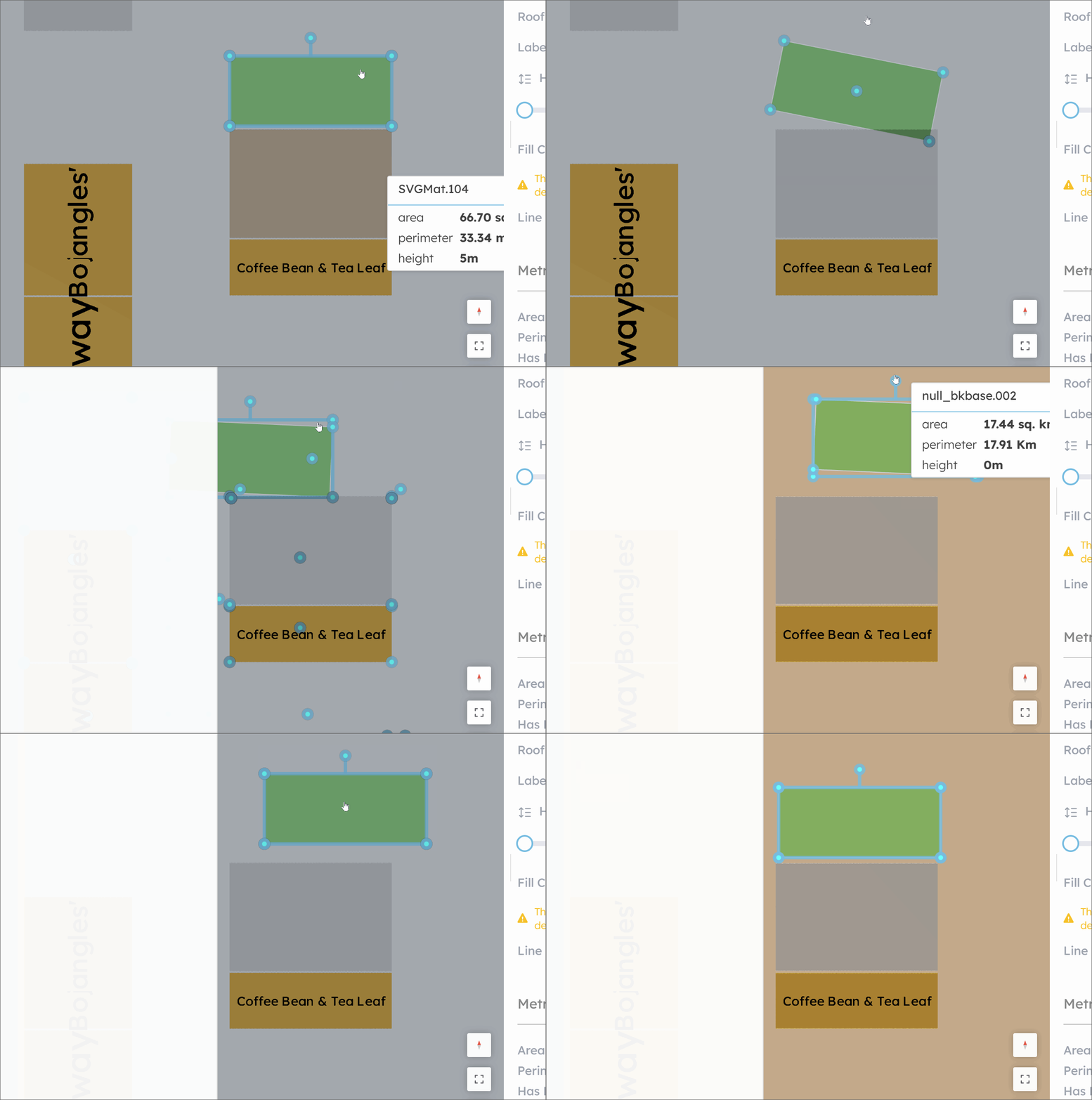
- Drag the centre handle to reposition, corner handles to scale, or the rotation handle to spin
Tips:
You can use the arrow keys on your keyboard to nudge the geometry, the greater your zoom level the smaller the movement delta.