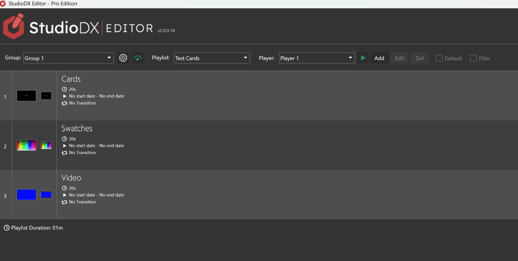
When saving your project, a special "Test Card" playlist is automatically created for each group. These playlists show test cards (that have been created by the Configuration application) and can be used to adjust your screens.
- Run the Configuration application and press save to to ensure the test cards have been created for each output.
- Run the Editor application and press save to automatically create the Test Card playlist.
- Deploy your project to ensure the Test Card playlists are on your players.
- You can now switch to the Test Card playlist in the Event Mode Screen.