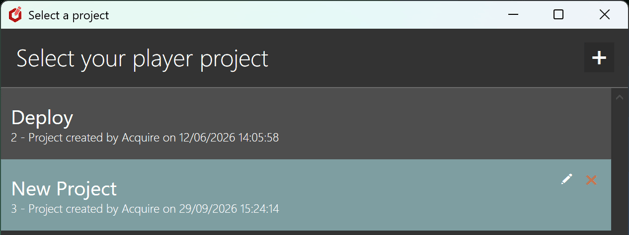
On 1st install there's only 1 project so no project selector shown as there's only 1 to select from, so it auto-selects it for you.
To force it to show the add more projects button 
Open the editor and Select Users, edit the admin user (Acquire, Default) these are the default admin logins.
- Choose the Edit button

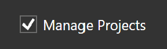
- select Manage Projects
Close the Editor
Hold down CTRL while selecting or Double clicking the StudioDX Editor.
You will now see the Add Project Button as well as the.
-
Edit

- Delete

Selectors.
Once there are more than one project to select from the project switcher will always show the above options.