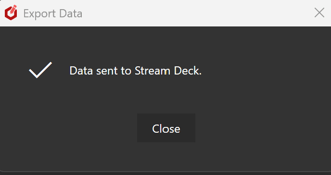
To do this, ensure the Stream Deck application is running and the plugin is installed. Then, in the StudioDX editor, click the 'Export' button. You should see a confirmation message once the plugin has been configured.
Export Button 
StudioDX Editor Configuration
You will need to configure your playlists and players to be available for 3rd party plugins to work. Follow the guide here: Third Party Integration
Reloading the data
If you update any objects (players / playlists / groups etc) in the StudioDX editor, these changes will not automatically be reflected in the Stream Deck plugin. There are two methods to reload the data
Any objects that have been renamed or deleted in StudioDX will be unset from your action. Please check any configured actions after reloading the data.
Export from StudioDX Editor
You can use the 'Export' function as described in the 'Initial Setup' section above to reload the configuration.
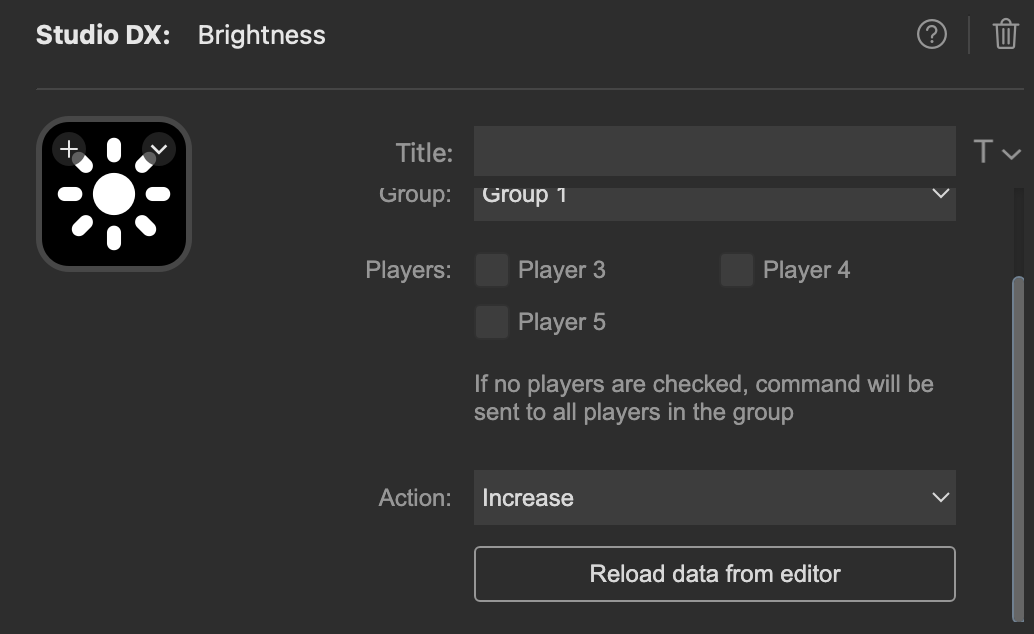
Reload from the plugin
In the property inspector of any action, you can click the 'Reload data from editor' button to get the latest configuration.