
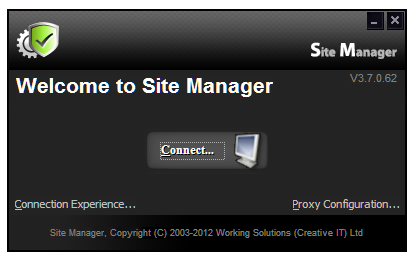
Here you can see the version number of the program. In this case it is V3.7.0.62.
Before you click on connect you have two other options that you can select. The one on the left side is the ‘Connection Experience’.
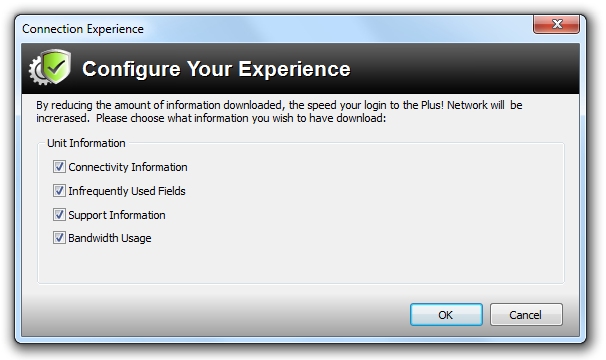
It is probably best to leave this on the default settings but bear in mind that it is there in the unlikely event that you have any speed issues.