Setting Up Users
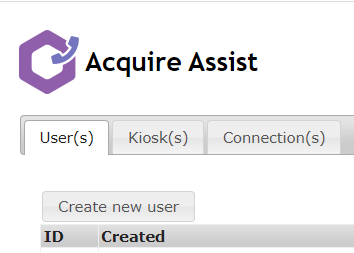
Select the user(s) tab and Create new user.
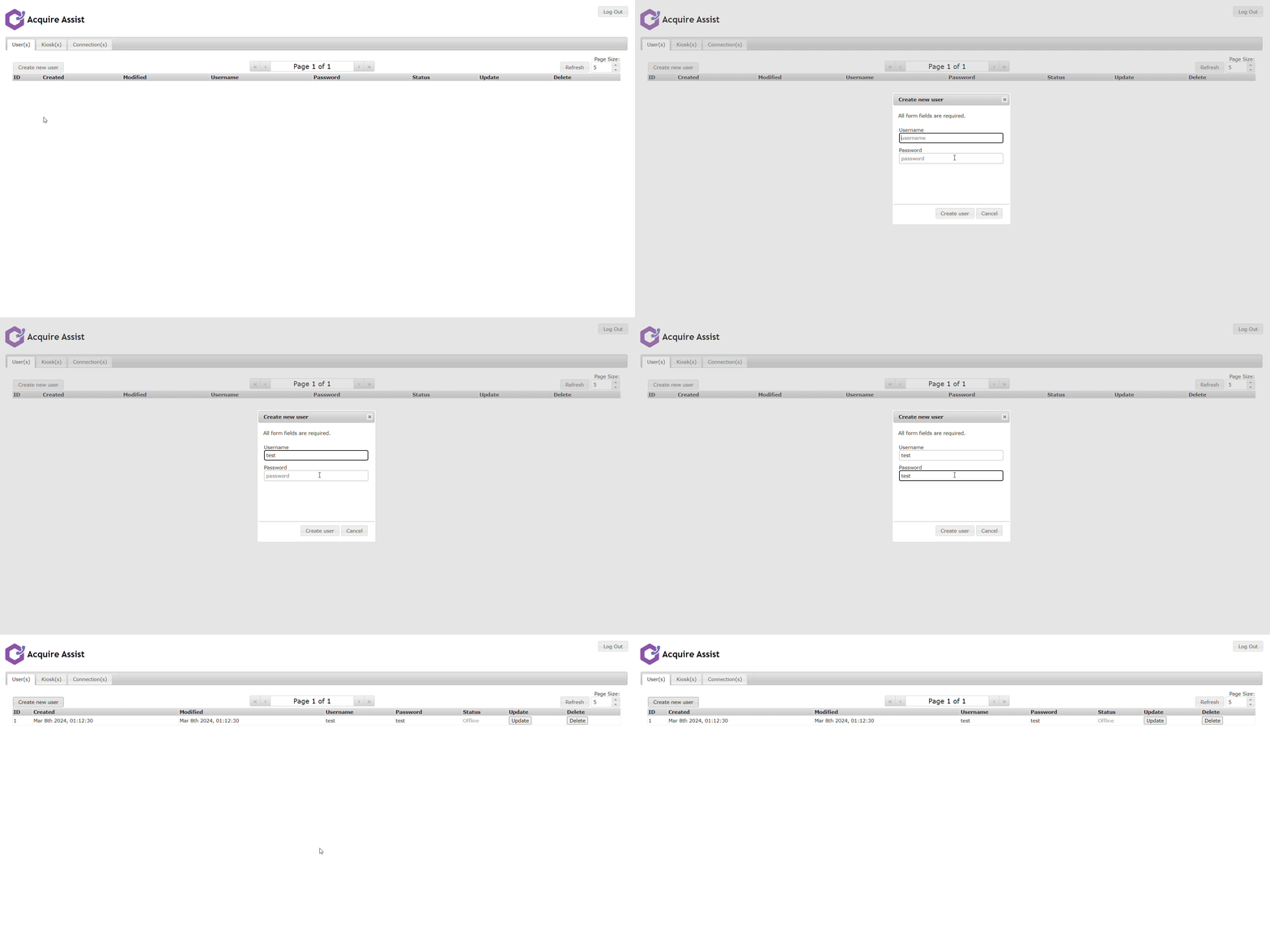
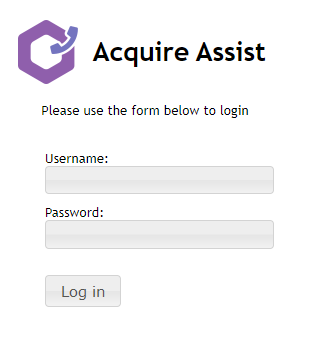
Add the username and password that the operator will use to login to the Acquire Assist application.
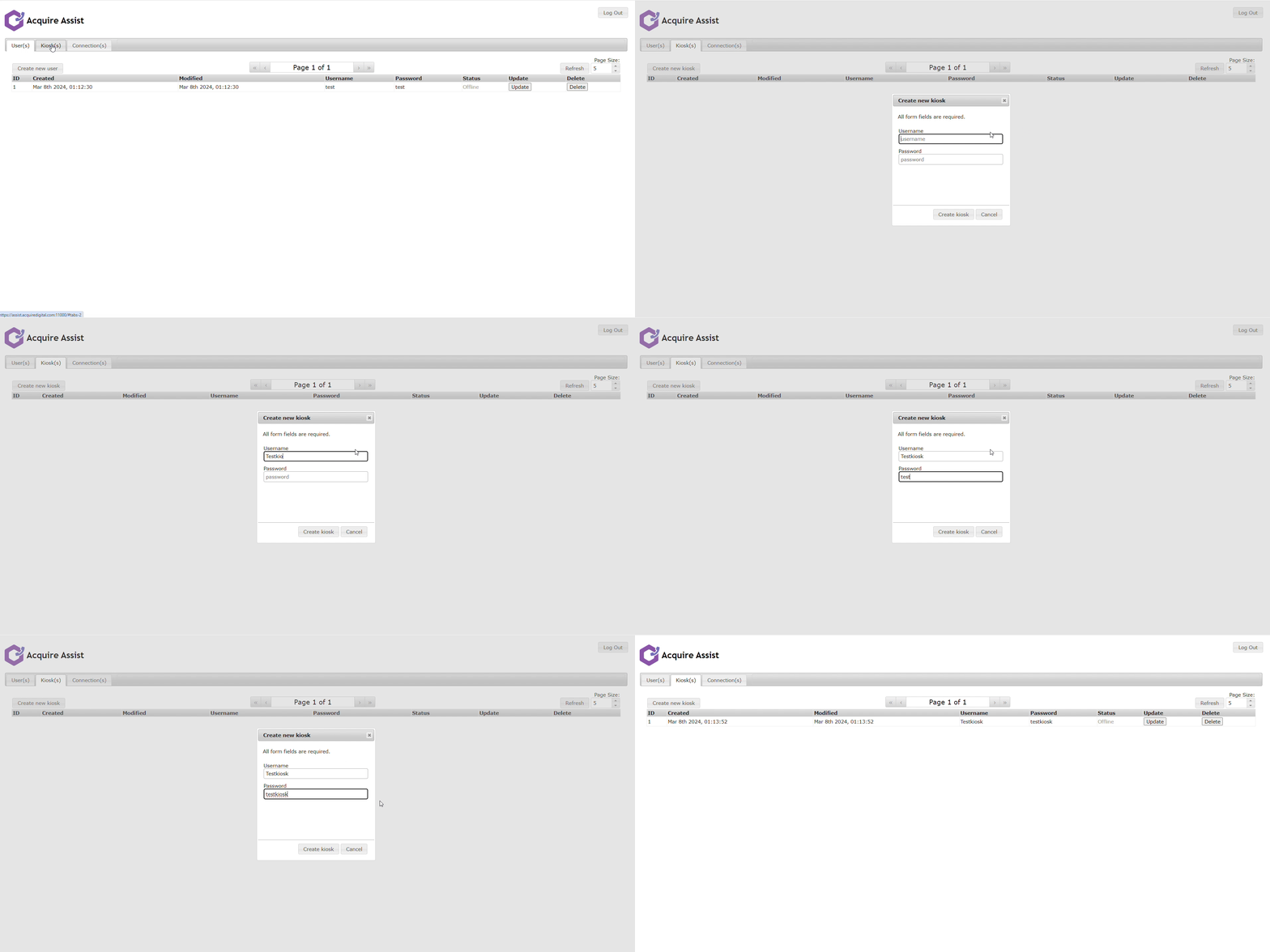
Setting Up Kiosks
There are two methods for the usernames and password dependant on whether you are using it as a standalone application or within the wayfinder.
- Standalone
The username and password need to be in the config.ini file found in the Always send folder, these can be set within Site Manager using the following variables or manually adding them to the config.ini
- username=$$username
- password=$$password
- KioskName=$$location $$kioskid
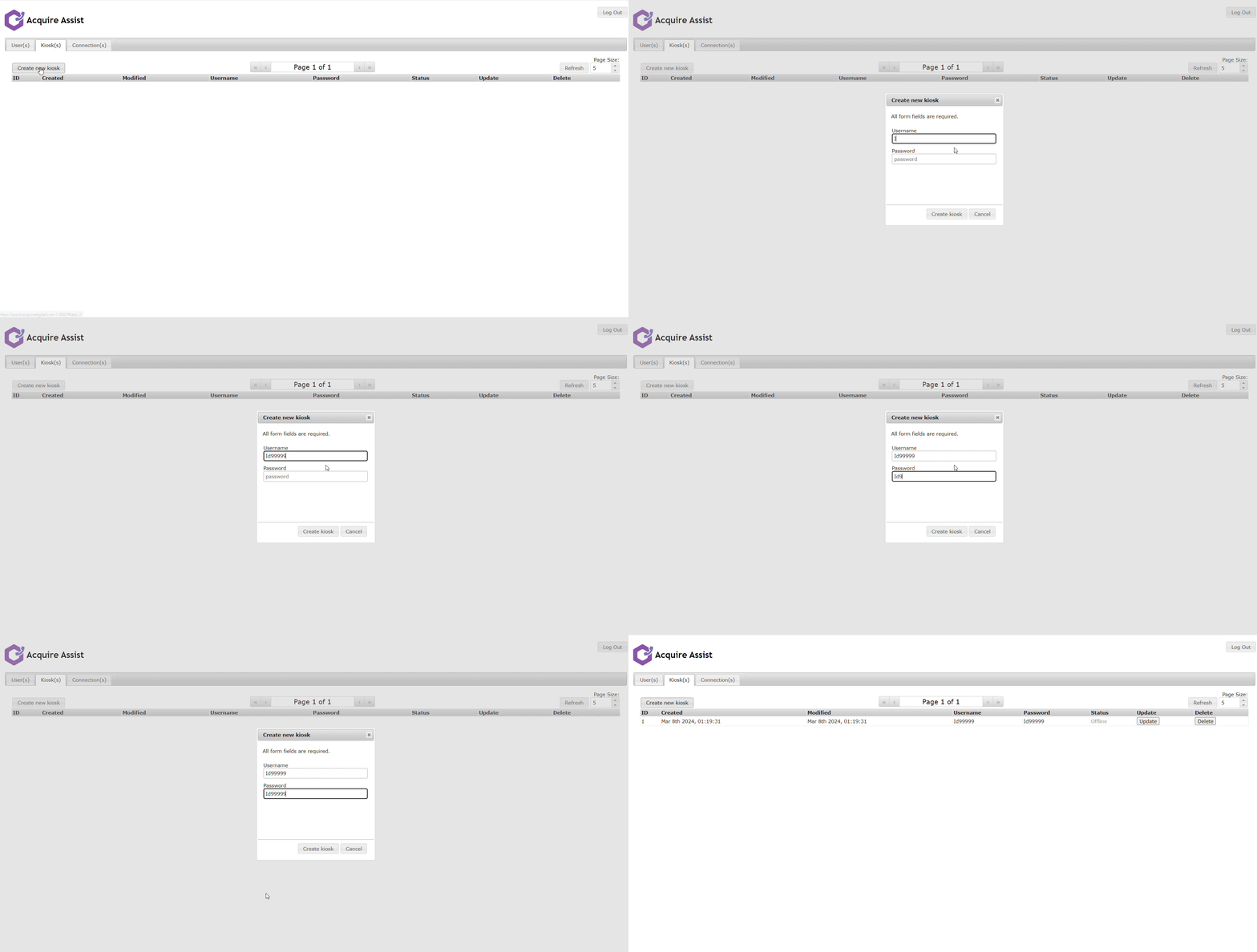
Add the username and password for that kiosk. (example below)
As the variables are pre-set within the wayfinder the username and password should be as the example below by using the kiosks ID.
- username=Id99999
- password=Id99999
Add the username and password for that kiosk, this will be the kiosk ID on the plus network. (example below)