
In the example shown below you can see our three example units showing screenshots. The blue screen indicates that something is obviously amiss and needs investigation.
The blank screen indicates that this machine probably never displayed any content so again needs checking.
The screen showing content is no guarantee that it is playing live content because the screenshot information is stored on the PLUS! Servers.
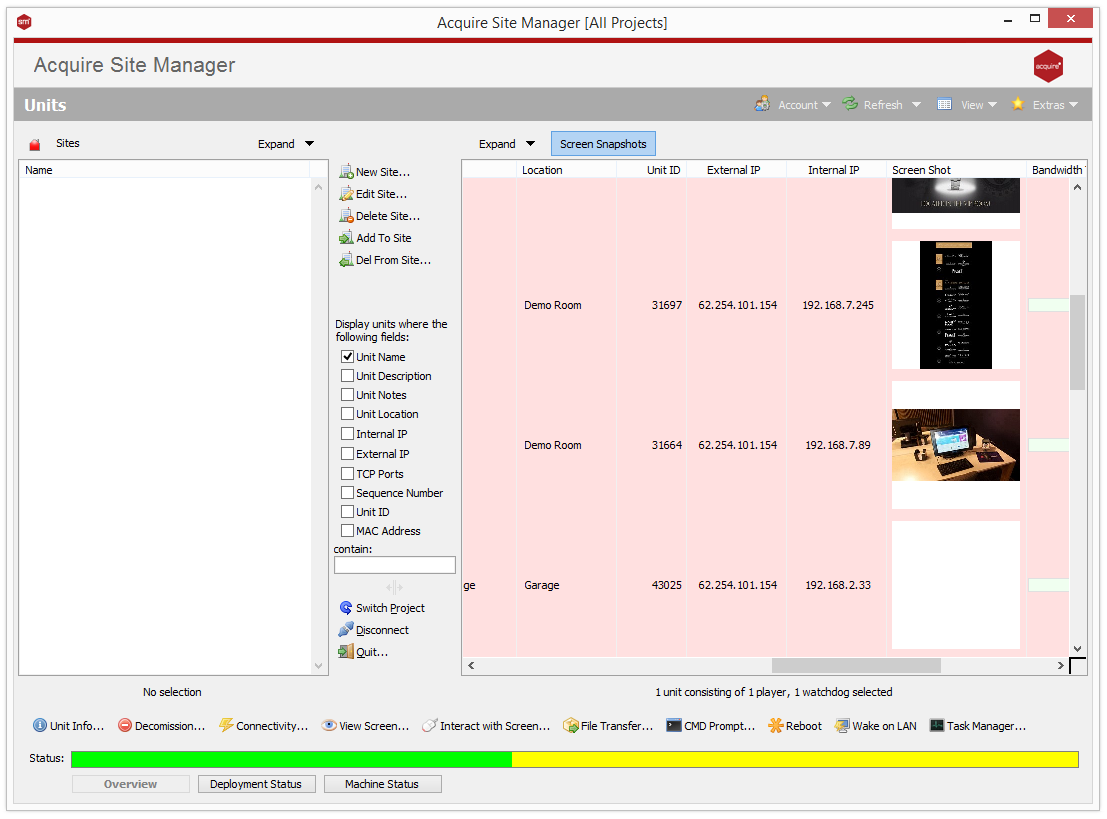
However, the Screen Snapshot function does give you a quick visual check should you have a lot of units in your network.