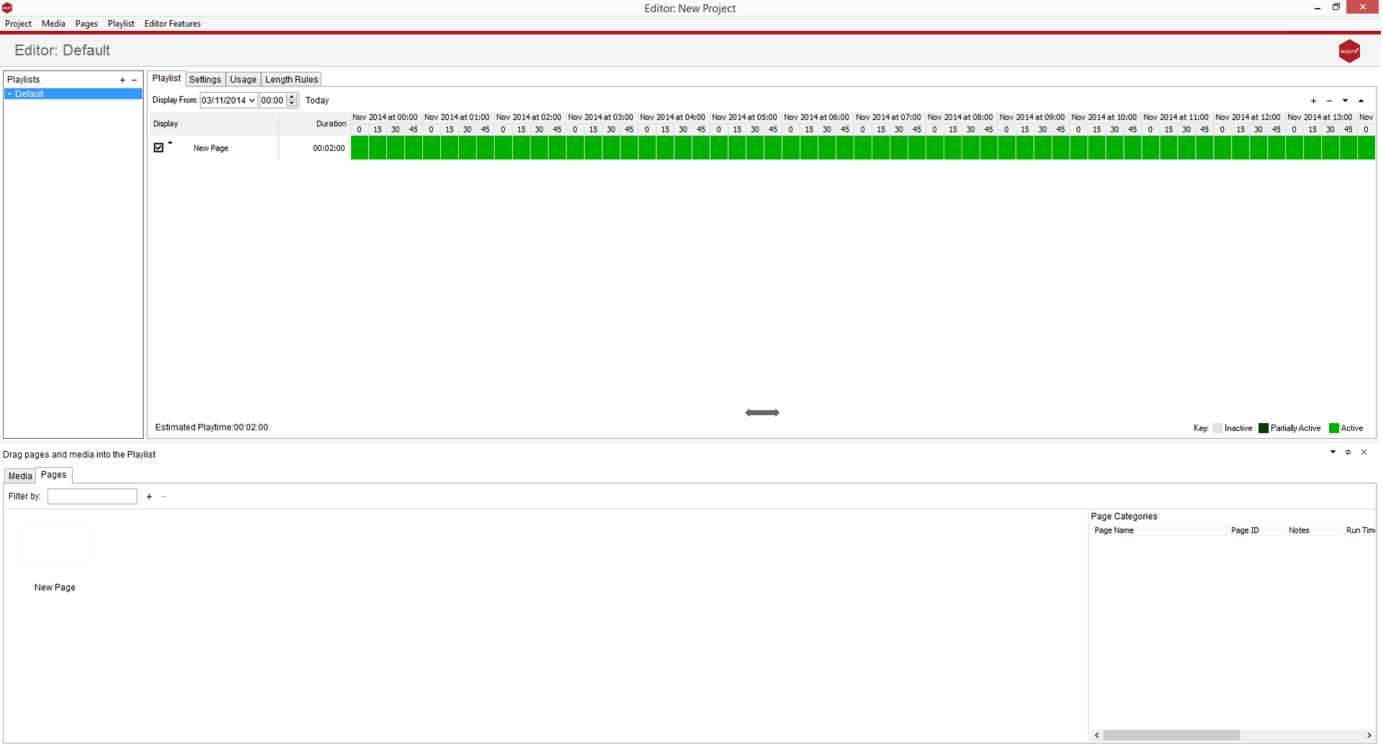
By pressing the plus icon in the ‘Playlist’ pane on the left of screen this creates a new playlist, which you can name appropriately.
Once your playlist is selected, you can either drag your pages into the scheduling area, or click the plus icon on right of the playlist editor pane to add pages, or other playlists into your chosen playlist.
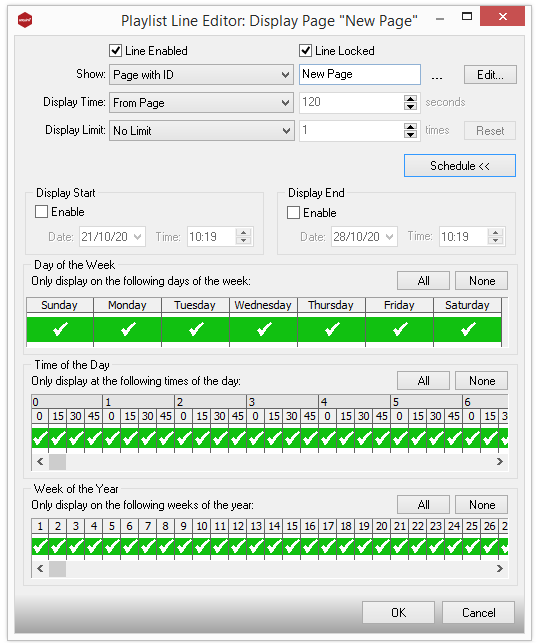
By double clicking the page duration time next to each page or playlist you can set the rules which you want the content to play by. Options to control more advanced features such as campaigns, and day or time scheduling are accessed by pressing the ‘advanced’ button.