
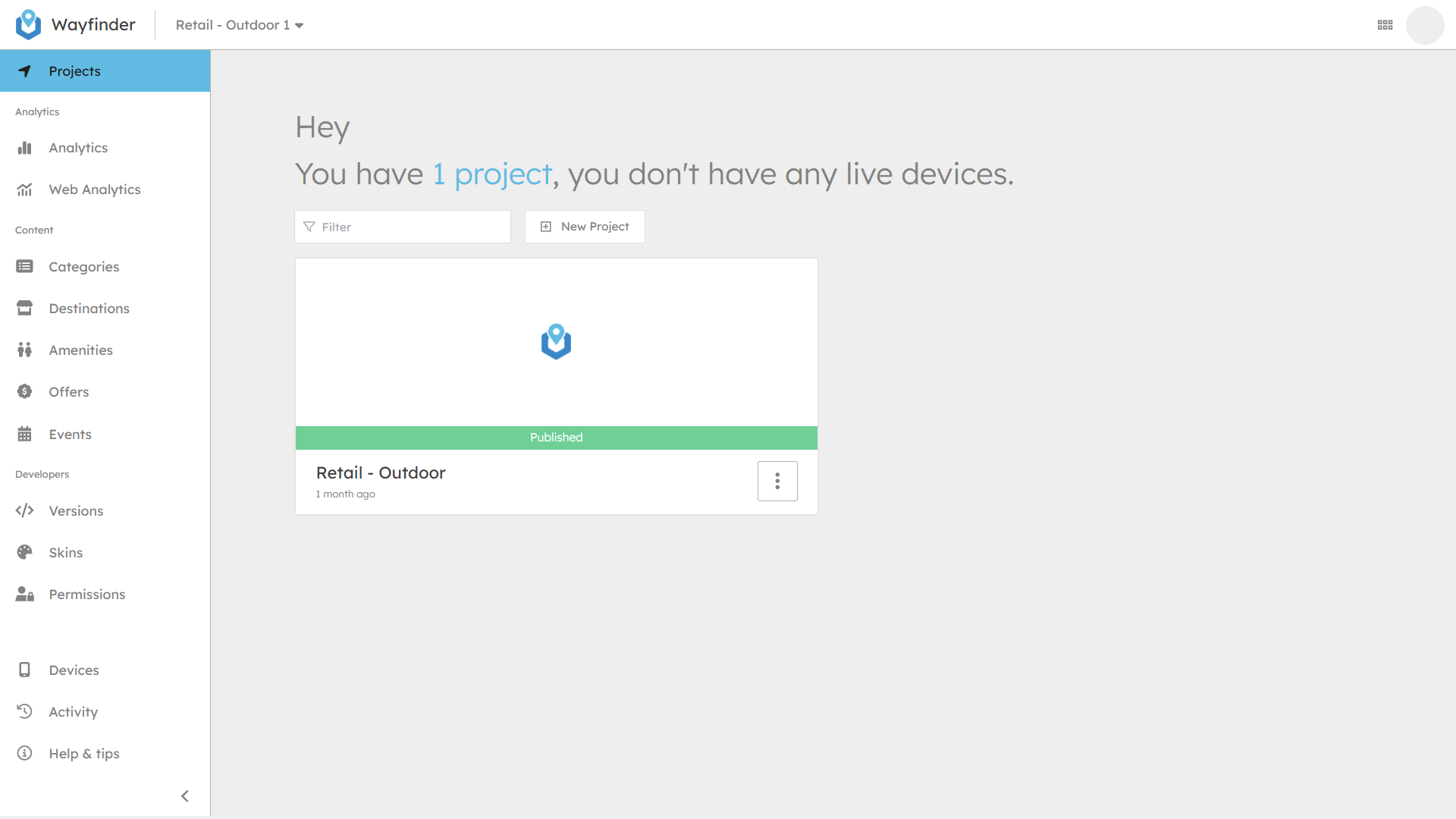
From here you can:
- View & create your projects.
- Open the map editor.
- Publish map changes.
- Open the project settings.
Creating Projects
To create new projects click the New Project button. Then fill in the Name and Description. Then your project will be created and ready for you to upload your 3D maps.
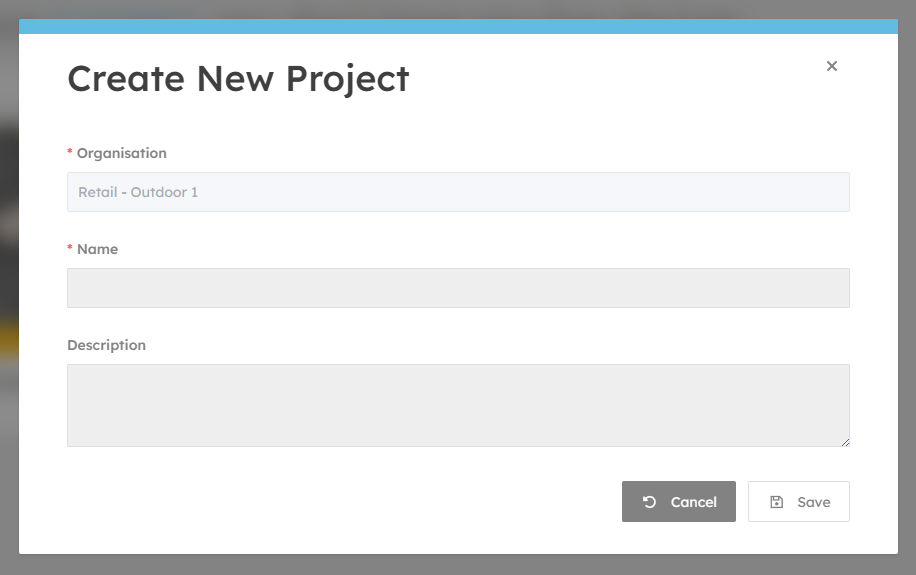
Once a new project is created you should head to the Project Settings page to continue.
Publishing Changes
When you make changes to your project, like editing maps, adding or removing destinations, you can publish those changes from here.
Additionally you can see important information about your project at a glance.
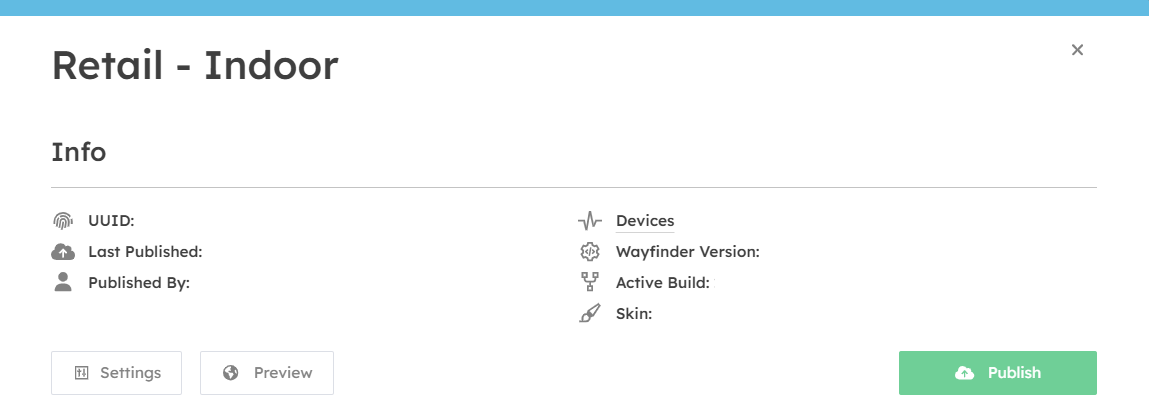
- UUID: This is the unique code for your project.
- Last Published: This is the last time changes were published to your devices.
- Published By: This is the user that performed the last publish.
- Devices: This is the number of activated devices assigned to this project.
- Wayfinder Version: This is the software version assigned to this project.
- Active Build: This is the map build version (it increments each time you publish your project).
Previewing Projects
To aid in visualising and testing your map data you can preview your maps within your browser.
The map preview shows your unpublished data, but the UI is not representative of what is shown on your devices.