
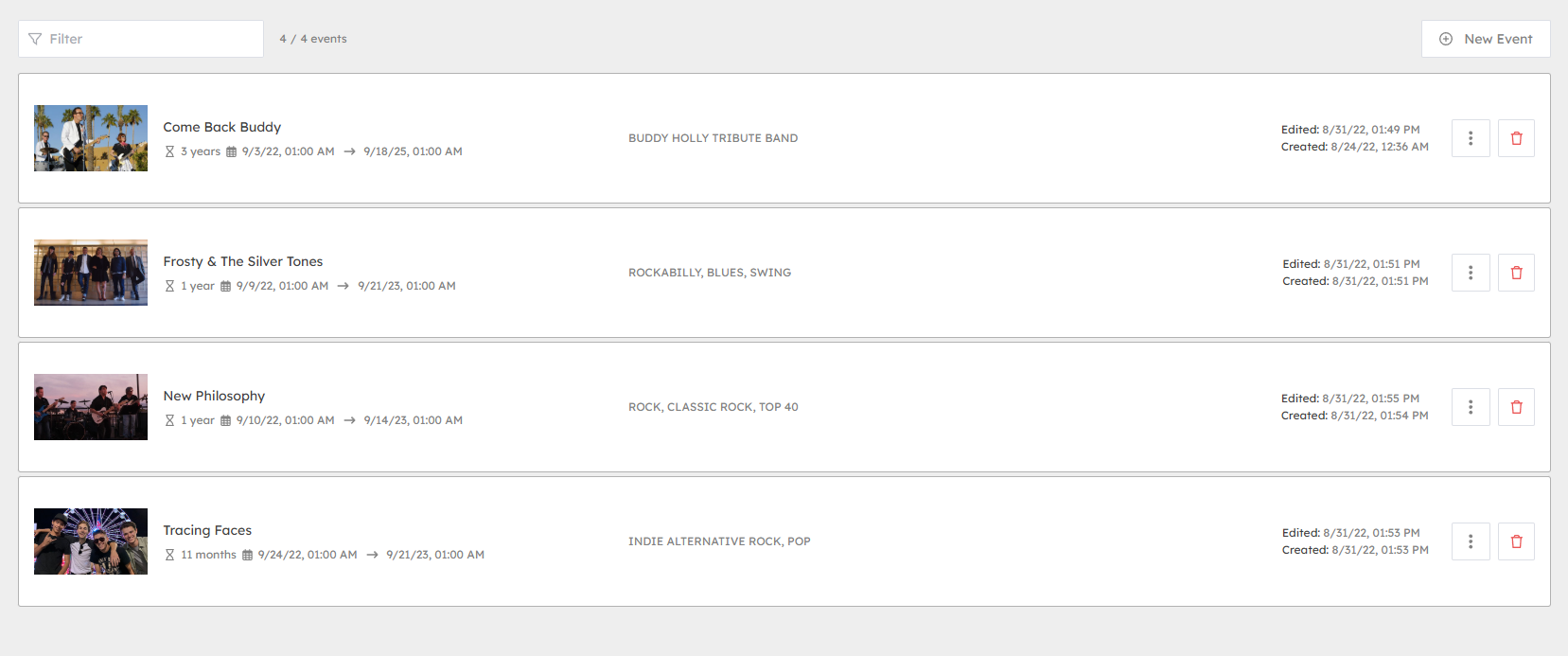
Adding offers
- To add an offer click on the "New Offer" button and fill in the relevant details.
Name & descriptions
- Add in the name that should be displayed along with a short description to be shown in listings. Then you can enter a longer description that can include details like offer terms and specific on how to redeem offers.
Website
- Here you can add a web link. This is useful if the user needs to visit a website to claim or redeem an offer.
Dates
- When adding an offer you can select which dates the offer is valid from and to. These are shown to the user. Additionally, you can add a "Show from" date, from which the offer should appear in listings.
The show from date is useful when advertising upcoming offers.
Adding events
- Events work in the same manner as offers, but are separated on the user endpoints.
Assigning offers and events to destinations
- Once your offers and events have been created they need to be assigned to destinations on your maps to allow users to get directions.
- Head to the map editor and select your destination.
- From the sidebar select the offers, or events tab.
- Click Add and select which offers are valid for the destination.
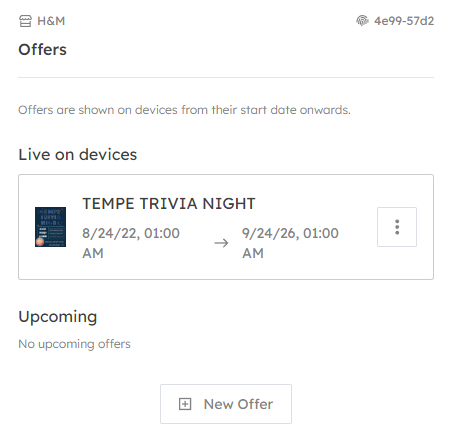
Offers and events are automatically removed after the end date.