
Resolution:
You may have noticed that you can un-dock Tabs from the Toolbox, as shown below.
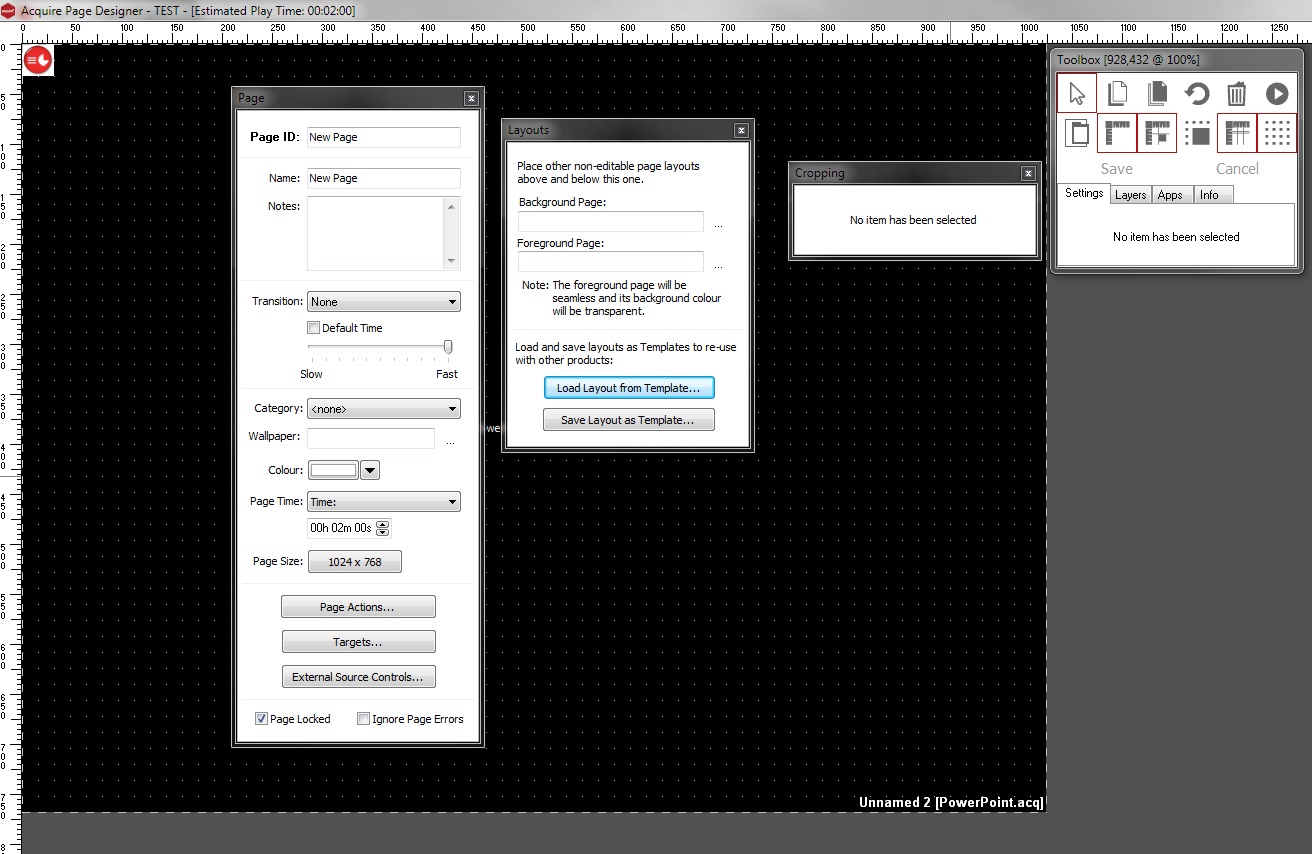
If you appear to be missing Tabs, close and restart Acquire Editor as this should re-dock the items. If this does not work then check to see the items are not minimised or dragged to another part of the screen (off-screen - such as on to an multiple or an extended display). To re-dock the tab, simply drag them back on to the main Toolbox.
TIP: this feature can be disabled in the Acquire Editor Settings, by deselecting Page Editor Toolbars can Undock and click Save Settings.