
Question:
I am trying to Preview an item in a Project from the Playlist Editor but when doing so I get an Invalid Pointer Operation error, why does this occur and how can I resolve this?
Resolution:
An Invalid Pointer Operation error (as shown below) may occur if there is a problem 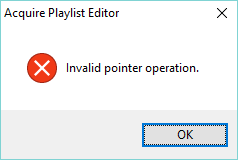
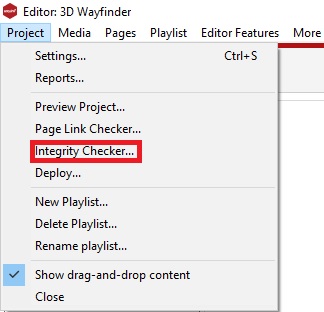
To resolve this issue we recommend running the Integrity Checker in Acquire Editor, which checks the Project for errors, such as missing media, broken links to pages and other problems.
The Integrity Checker can be found by clicking Project, and Integrity Checker... as shown:
Please check the results of the scan and select the appropriate action, for example the Integrity Checker can remove media that is no longer used on Pages, which can help reducing the overall Project size.