
Question:
Is there a way of installing Fonts automatically to an Acquire Player?
Resolution:
Yes. If you wish to show custom Fonts in an Project, create a Page with the Font(s) actually being used, e.g. in a Text-box and the place the Font files in the Always Send\Fonts folder of the Project and Deploy, as shown:
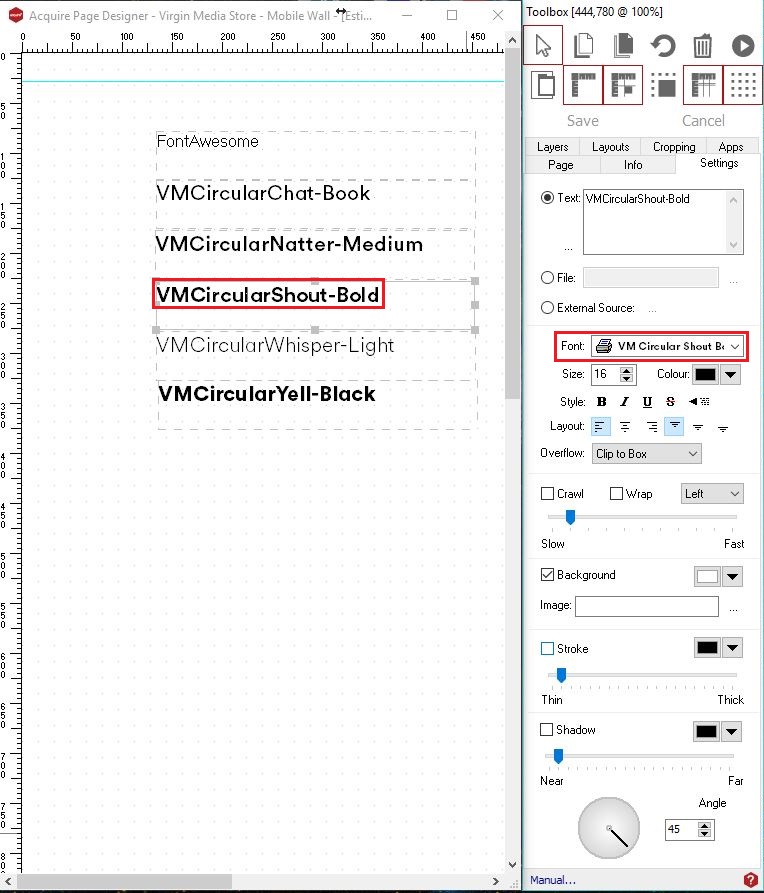
Once Deployed the Fonts are installed, but may require a reboot before becoming visible on the Acquire Player.
Please note: the Page itself does not necessarily have to be used in the Playlist, but is required for AcquireDeploy,exe to install this.