
The Audience and Playout pages can be exported to CSV for further analysis or reporting. To export, first configure any filters (e.g. by project, unit, or date range) as needed, then click the export button located at the top of the page:
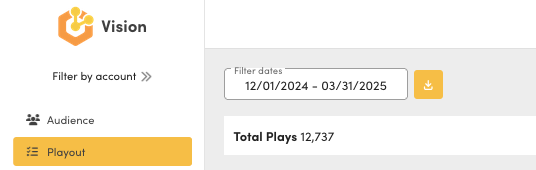
Audience Export Options
On the Audience page, you can choose which specific charts to include in your export:
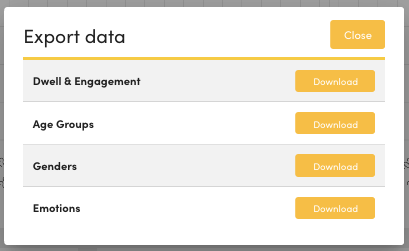
Once you have chosen the information you require select the export button 
Example Export Output
A CSV export may look like the following:
 Gender,"Total Count","Average Time","Total Time","Total Engagements","Unique Engagements"
female,25197,0,0,7410838,23895
male,58676,0,0,16616310,55611
unknown,6121,0,0,3377487,10149
Every CSV export can be opened by e.g. Microsoft Excel and filtered/analysed as required.