
- Configure the report you'd like to export. Acquire Vision exports the report as it's currently displayed on your screen, so make sure you've applied your desired date range and advanced filters/options.
- Click Export (across from the advanced filters).
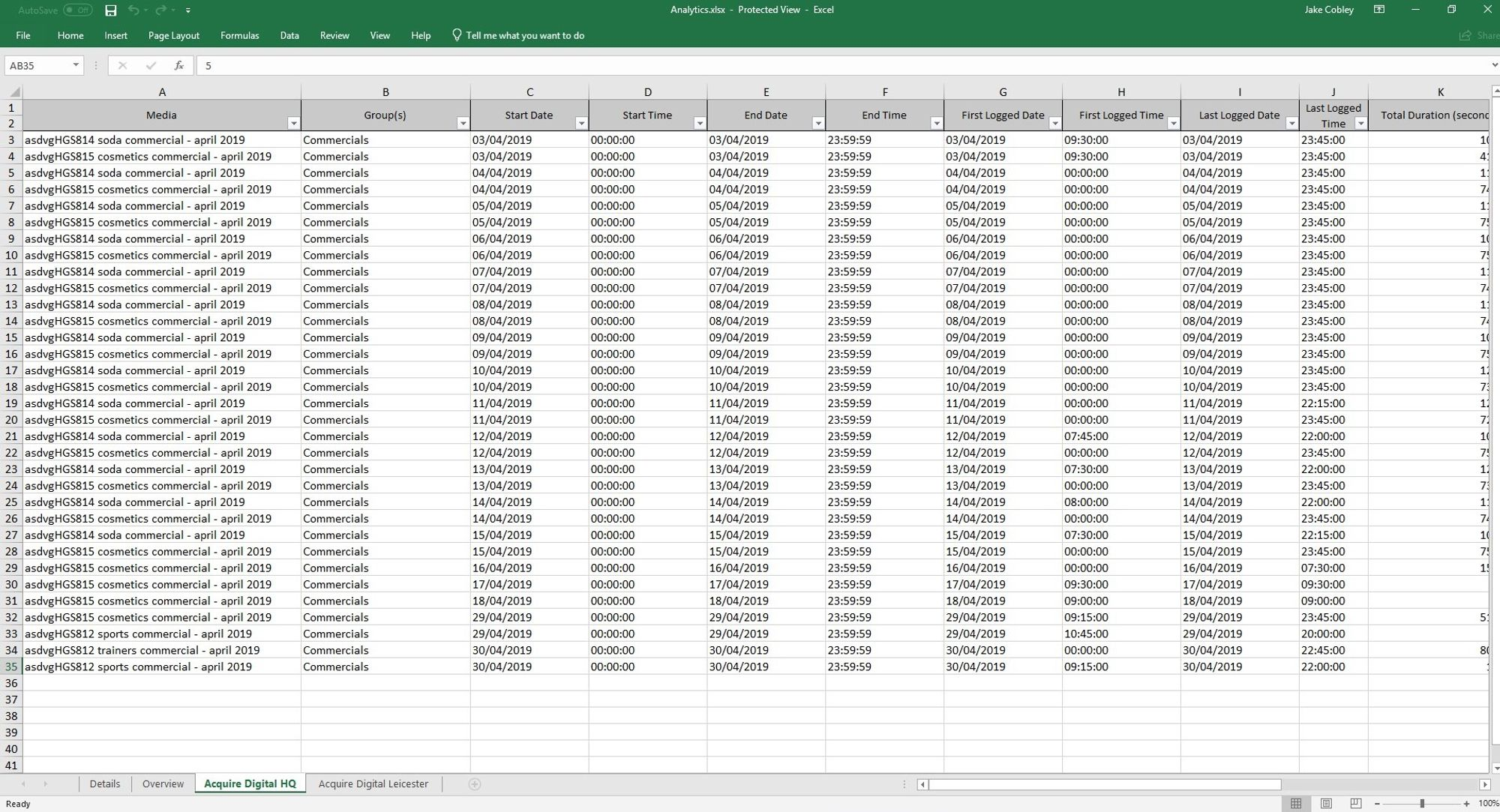
Example export - Microsoft Excel