
Step 1 - Setup an email sever
Open the Setup App and press the Options button.
In Options, Select the Editor Tab.
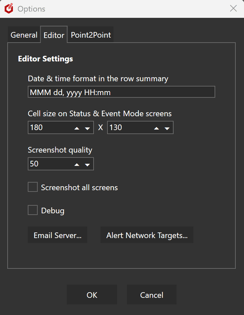
Then Email Sever button to open the following screen.
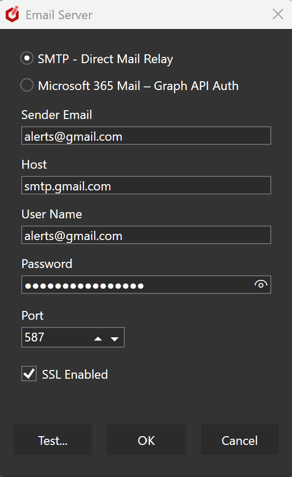
If you have an SMTP email server, select that and enter your details.
Use the Test button to send an email to check your settings.
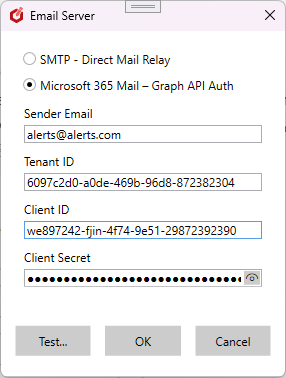
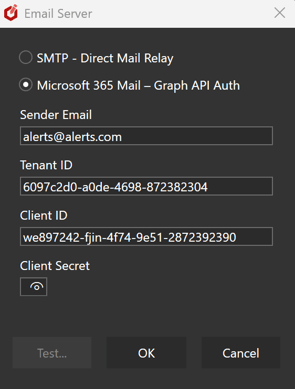
If you have an MS Oulook 365 server, select that instead and enter your details.
Step 2 - Add user email addresses
Open the Editor and select Users.
You will need to log in as Admin to complete this step.
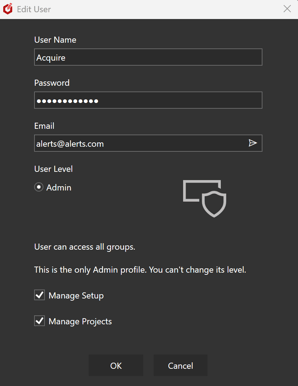
Add an email address to each user that you wish to recieve alerts.
All alerts will be sent to this email.
Use the email send button to send a test email and check your settings.
Step 3 - Enable notifications
See the Introduction.