Resolution:
Yes. This option can be disabled or enabled in the main Acquire Editor Settings, as shown below:
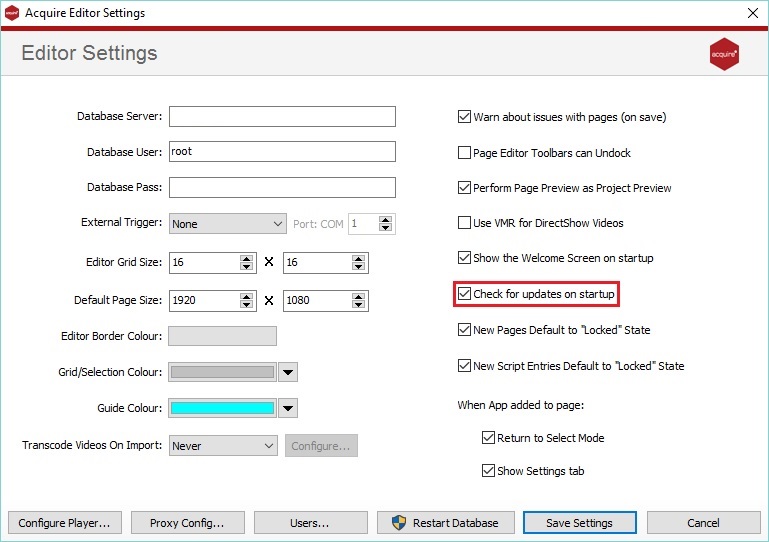
Click Save Settings to save and close.
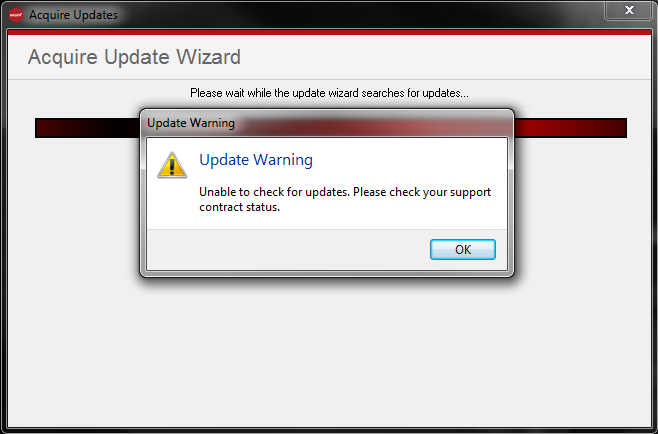
Please note: if you receive an Update Warning, such as the one shown below. It is likely that the Licence Key Acquire Editor is activated with is not eligible for Software Upgrades. For more information contact your Account Manager or Reseller.