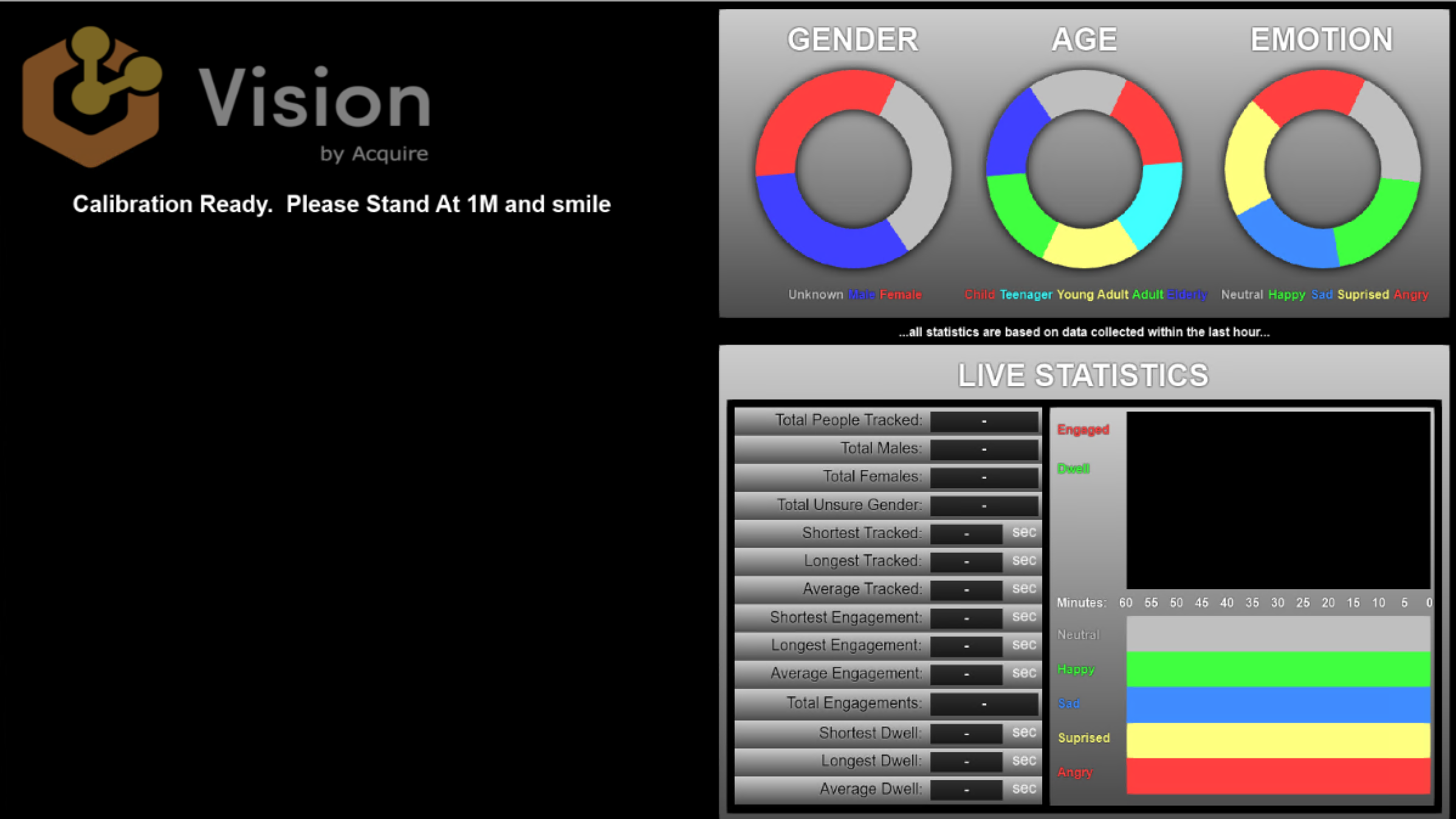
It has two optional parameters
AcquireVisionDashboard.exe [MonitorNumber] [Calibrate]
The first parameter chooses which monitor to appear on. The monitors are numbered from 0 from the left side of the virtual desktop to the right in order. So 0 would be the furthest left monitor.
If you specify CALIBRATE for the second parameter the dashboard will put Vision into calibration mode. This allows you to calibrate its distance calculation. Performing this task will cause its config file to be re-written.