
Creating a global destination allows you to place it on your maps and projects multiple times, and then edit its metadata centrally, in one location.
Changing metadata for global destinations will automatically update all instances across your projects.
Creating Destinations
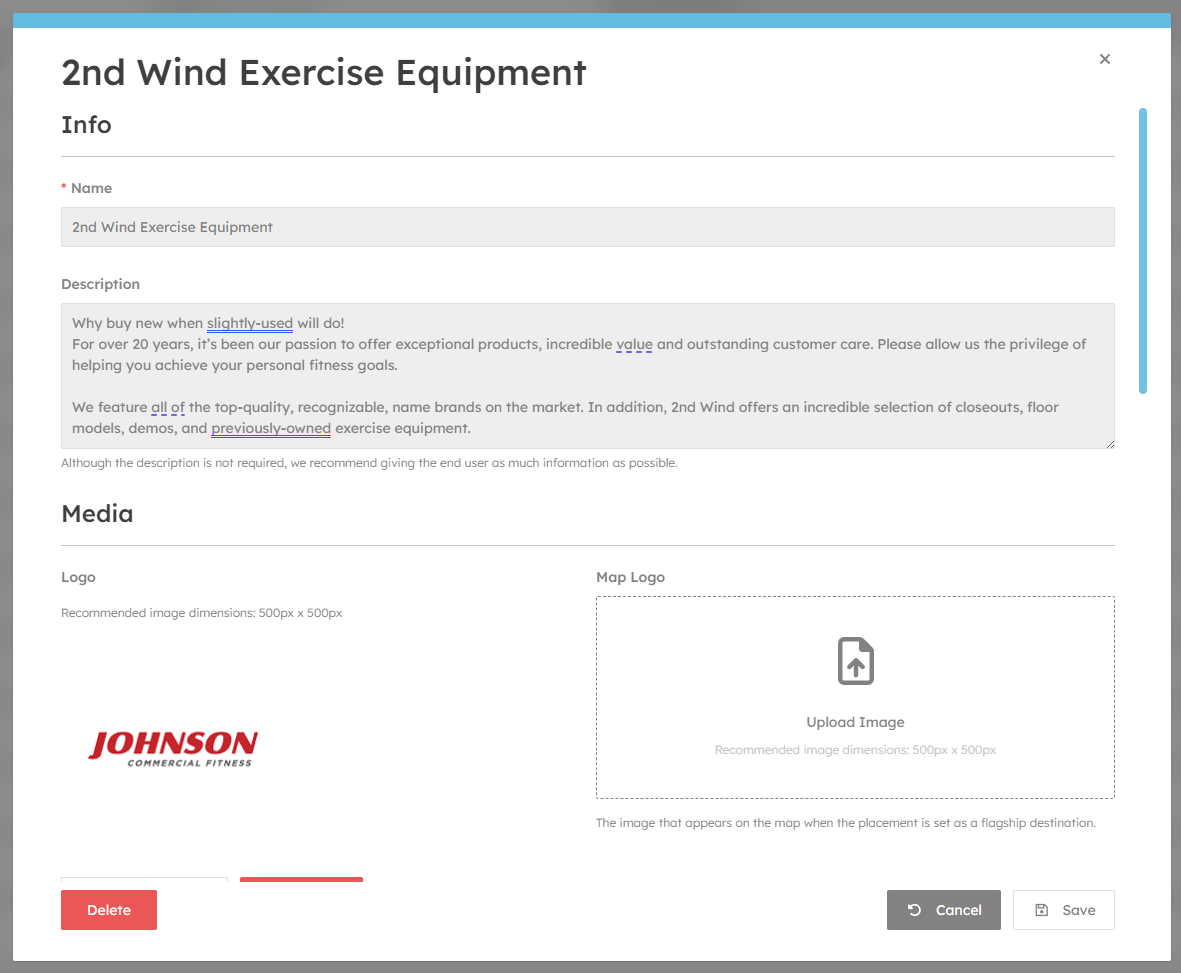
To create a new destination simply click the "New Destination" button. You can then fill in the data as needed.
-
Name
-
Description
Media
You can upload your brand logos here. Its best to upload transparency images in PNG format. You can also upload vectors such as SVG to give high quality.
The Map Logo field is shown only when the destination is set to "Flagship" in the map editor. Its best to use transparent PNG images.
Relations
Each destination can be assigned to multiple categories. Destinations without a category will not show in search results.
Related destinations are shown in destination info panels - they are great for showing alternative destinations.
Display
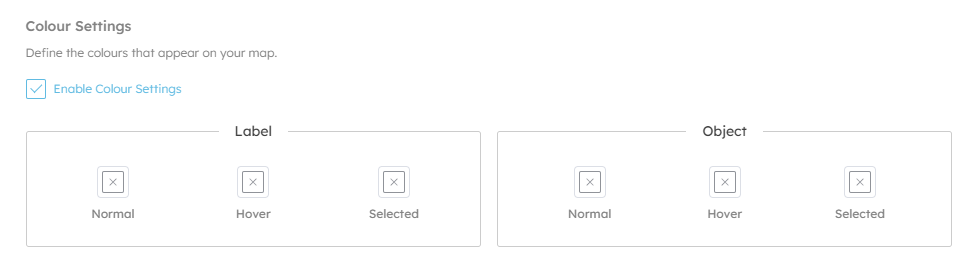
Here you can configure custom colours for this brand, and which category colour should take priority (if enabled).
Labels are the text labels that appear above destinations on the 3D map.
Objects are the physical spaces that represent the destinations.
Metadata

Tags
Tags are a hidden list of keywords that aid in search. For example, if you have a coffee shop called "Green Co.", but the word coffee doesn't appear in the name or description you may want to add it as a tag. Additionally, you can add products here to help users who are searching, for example "Sandwiches, Cold Drinks" etc.
Custom Fields
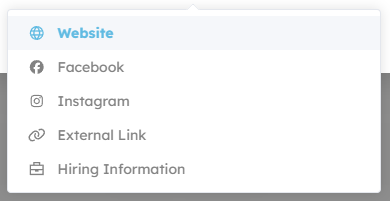
Here you can add links to social media etc.
Integrations
Here you can configure how categories appear when exporting to 3rd party mapping systems like Apple Maps or Google Maps.
Categories
Adding categories to your org allow you to have a central list of common categories for all your projects.
Categories can be nested, and have sub categories beneath them. E.g.
-
Dining
- Fast Food
- Table Service
- Indian
- Italian
-
Shopping
- Womens
- Mens
- Shoes
- Tech