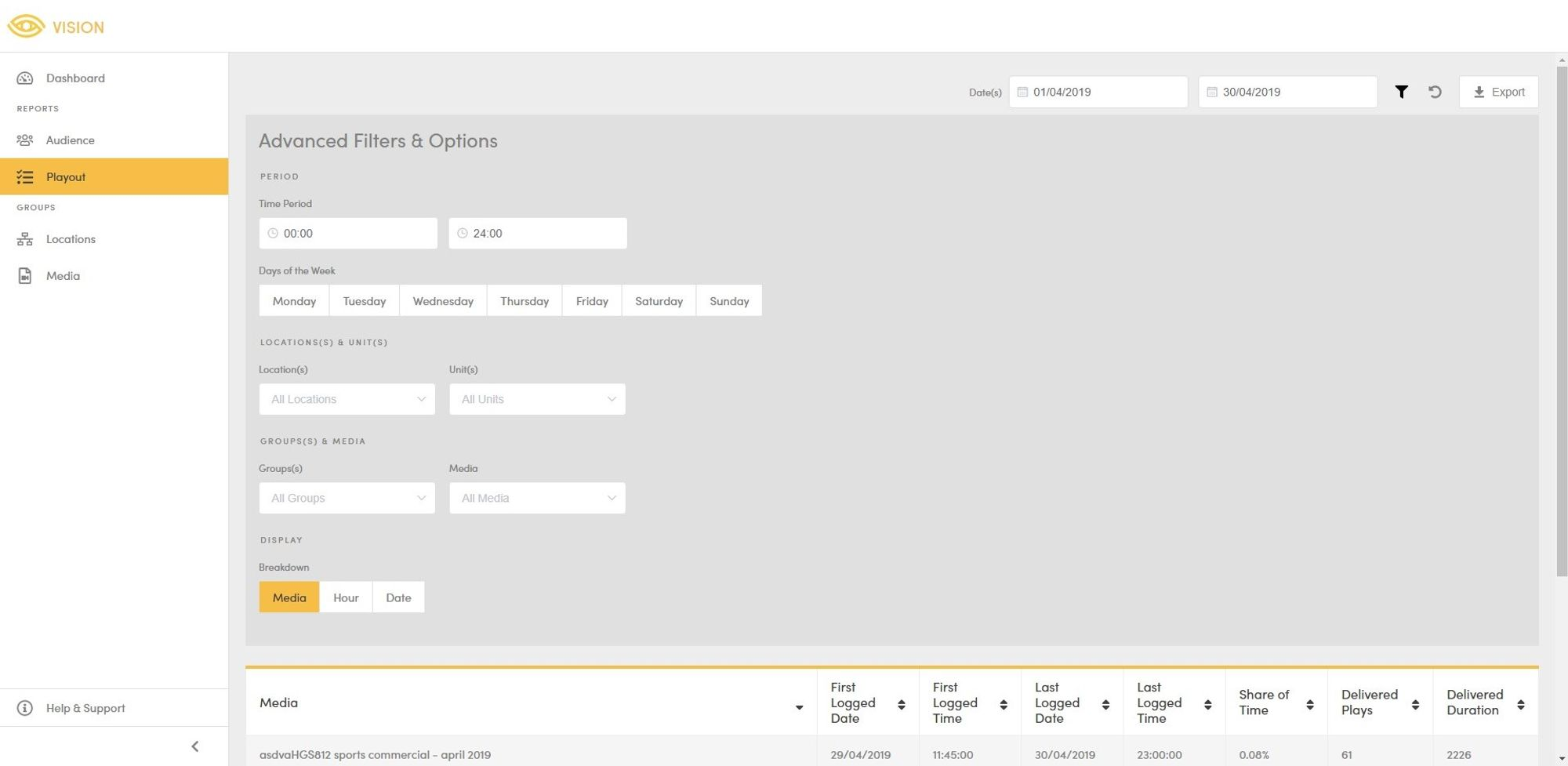
Date Range - The date range selector is at the top right of the page. By default data is shown for the current week (Monday - Friday). To update the date range, click on either of the fields to open the respective selector. The report will be automatically updated on each selection.
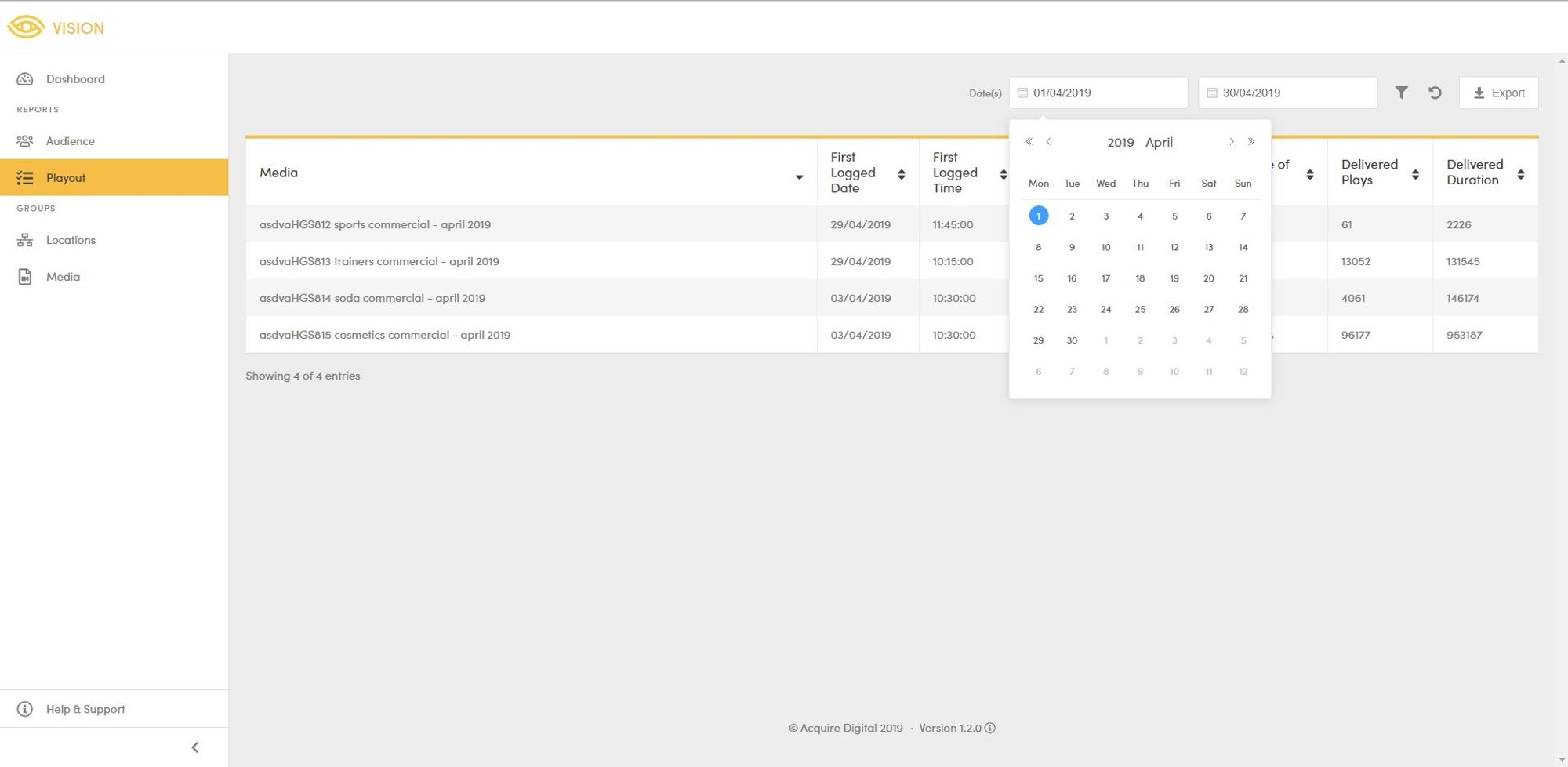
Acquire Vision Playout interface showing the date period selectors.
Time Range - The time range selector is within the advanced filters/options panel. By default data is shown for the entirely of each date. To update the time range, click on either of the fields to open the respective selector. The report will be automatically updated on each selection.
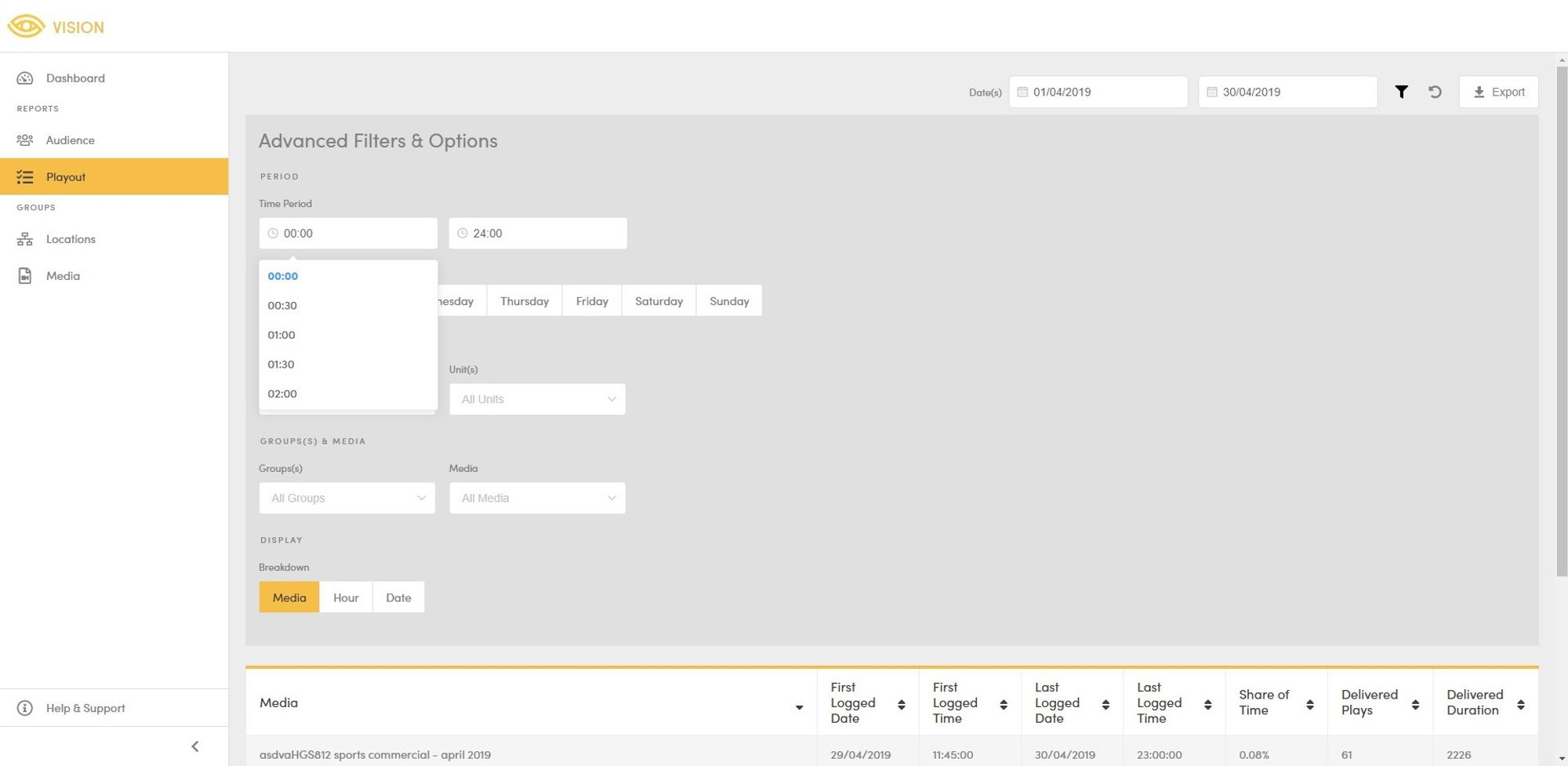
Acquire Vision Playout interface showing the time period selectors within the advanced filters and options.
Days of the Week - The days of the week selector is within the advanced filters/options panel. By default data is returned for all days of the week. To filter by particular days of the week, click on the desired options (Monday - Sunday). The report will be automatically updated on each selection.
Locations & Units - The location and unit selectors are within the advanced filters/options panel. By default data is returned for all units across all locations, including units not assigned to a location. To update the selected location(s) or unit(s), click on either of the fields to open the respective selector. The report will be automatically updated on each selection.
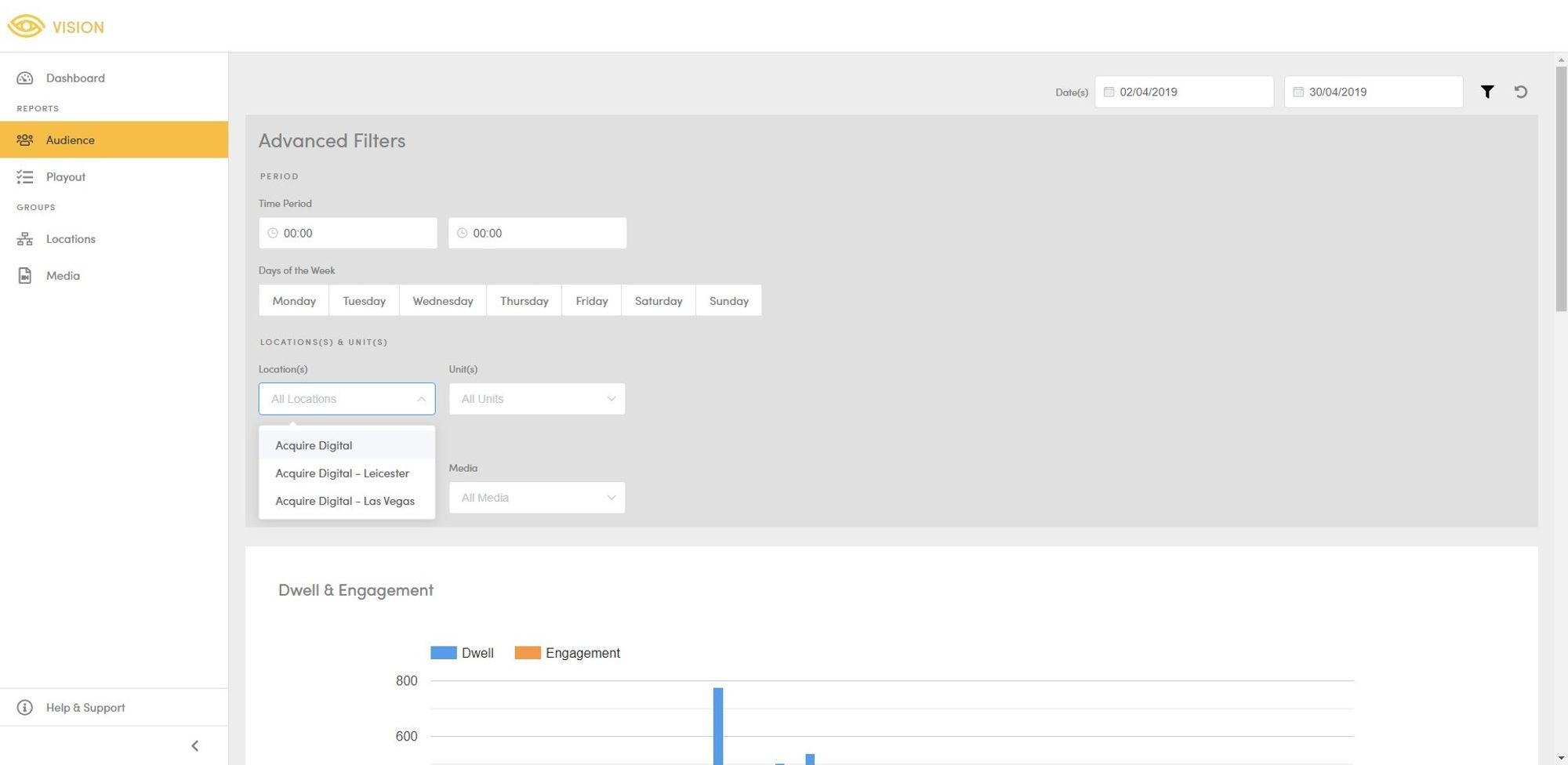
Acquire Vision Audience interface showing the group selector within advanced filters and options.
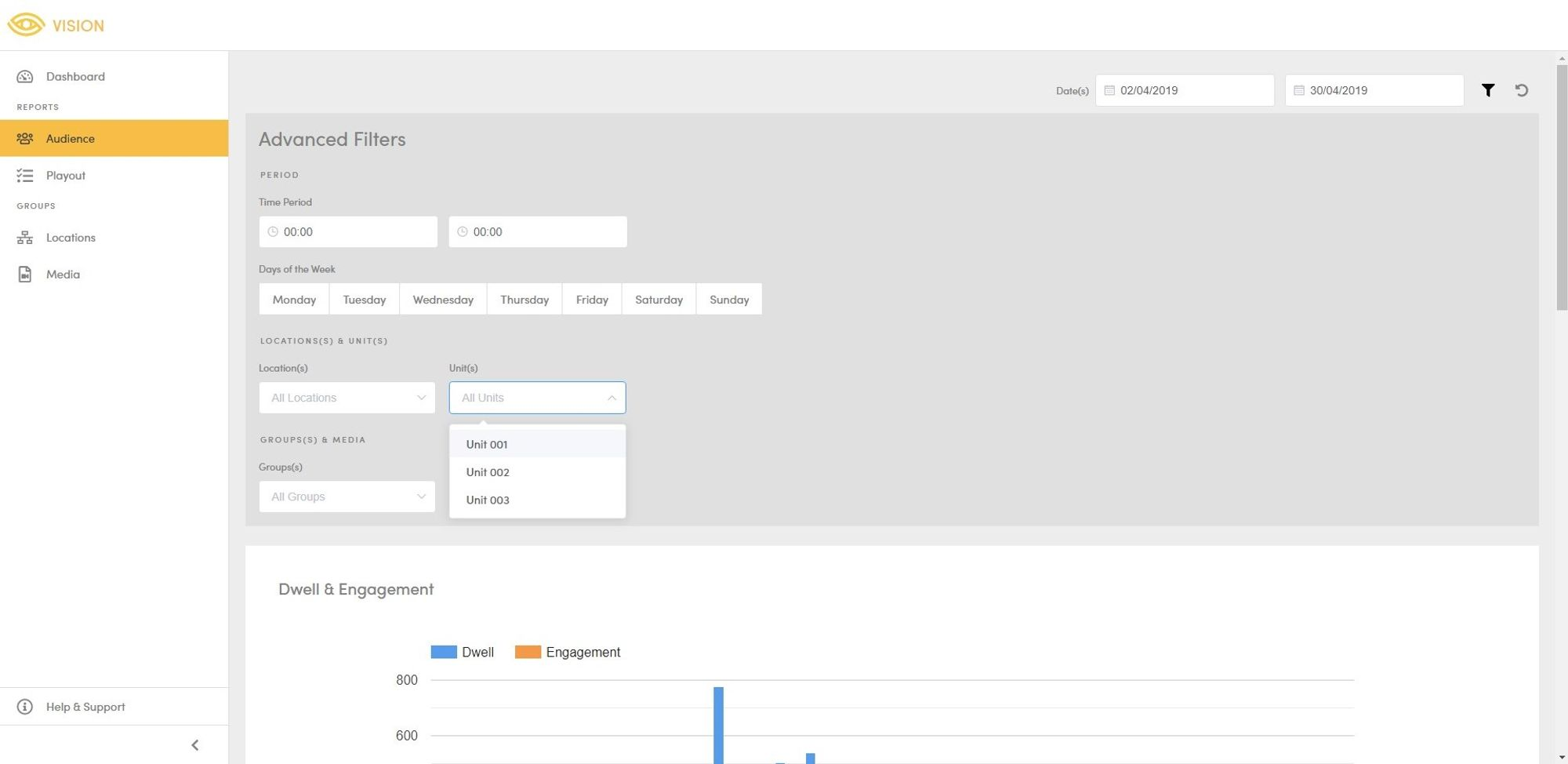
Acquire Vision Audience interface showing the unit selector within the advanced filters and options.
Groups & Media - The Group and Media selectors are within the advanced filters/options panel. By default data is return for all media across all groups, including groups not assigned to a group. To update the selected group(s) or media(s), click on either of the fields to open the respective selector. The report will be automatically updated on each selection.
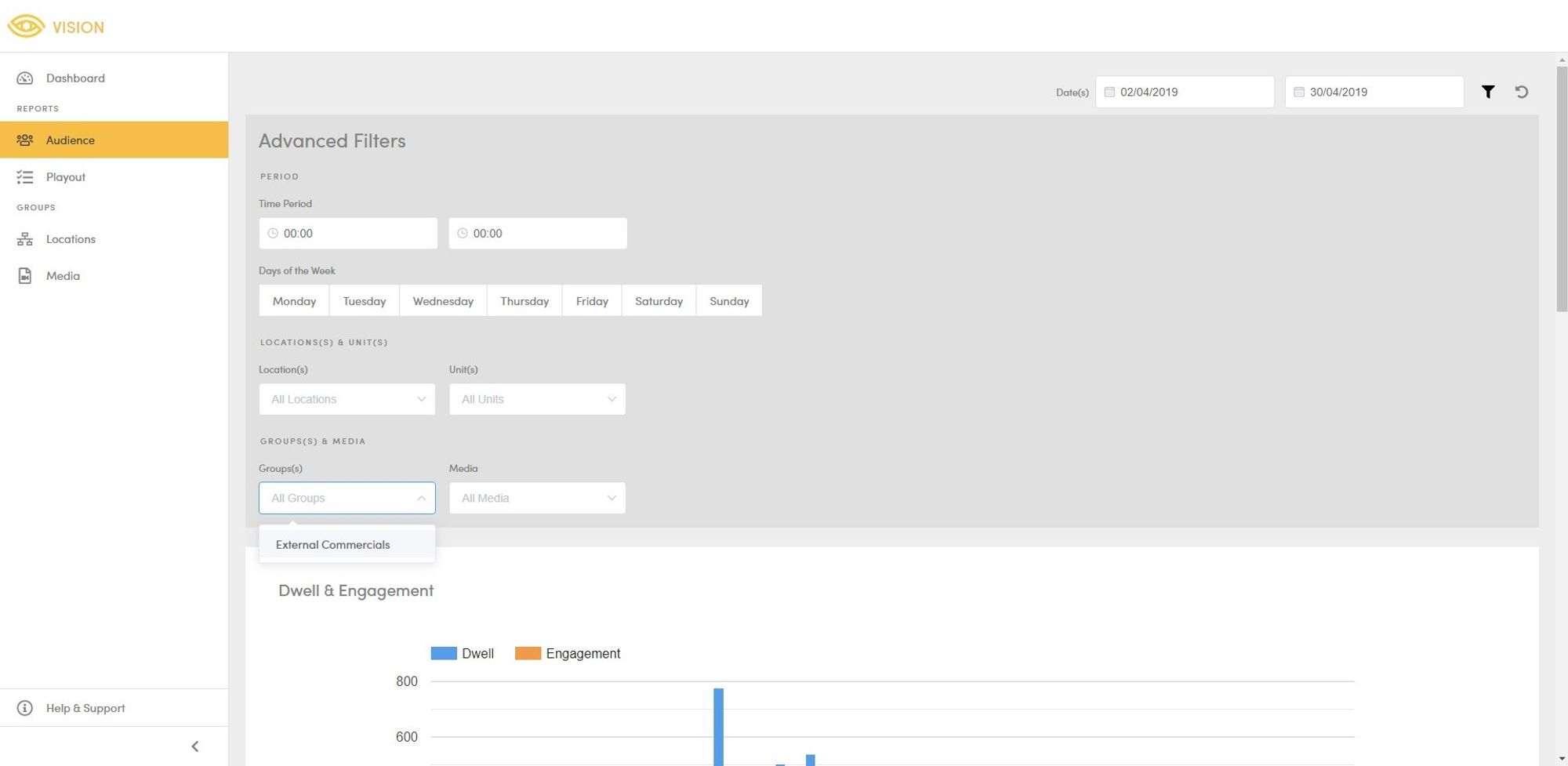
Acquire Vision Audience interface showing the group selector within advanced filters and options.
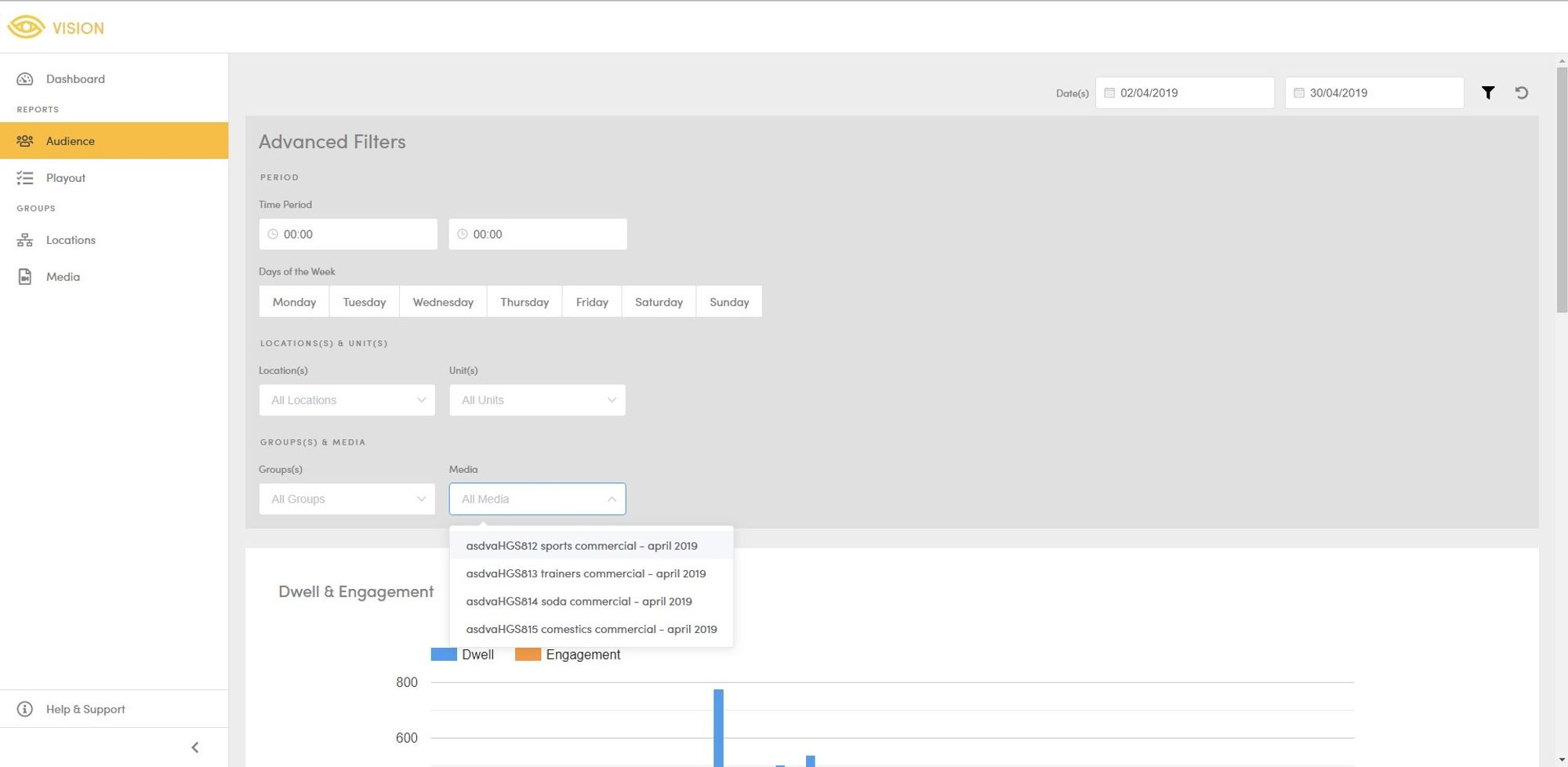
Acquire Vision Audience interface showing the media selector within advanced filters and options.
Report Breakdown - The breakdown selector is within the advanced filters/options panel. By default data is grouped by creative. Data can be grouped by creative, date, or hour. The report will be automatically updated on selection.