
Select a Project from the dropdown, this will populate the Groups. Select a Group from the dropdown, this will populate the Players. You can select an individual Player by checking the corresponding box. Alternatively, you can leave all Players unchecked and the command will be sent to all Players in the Group.
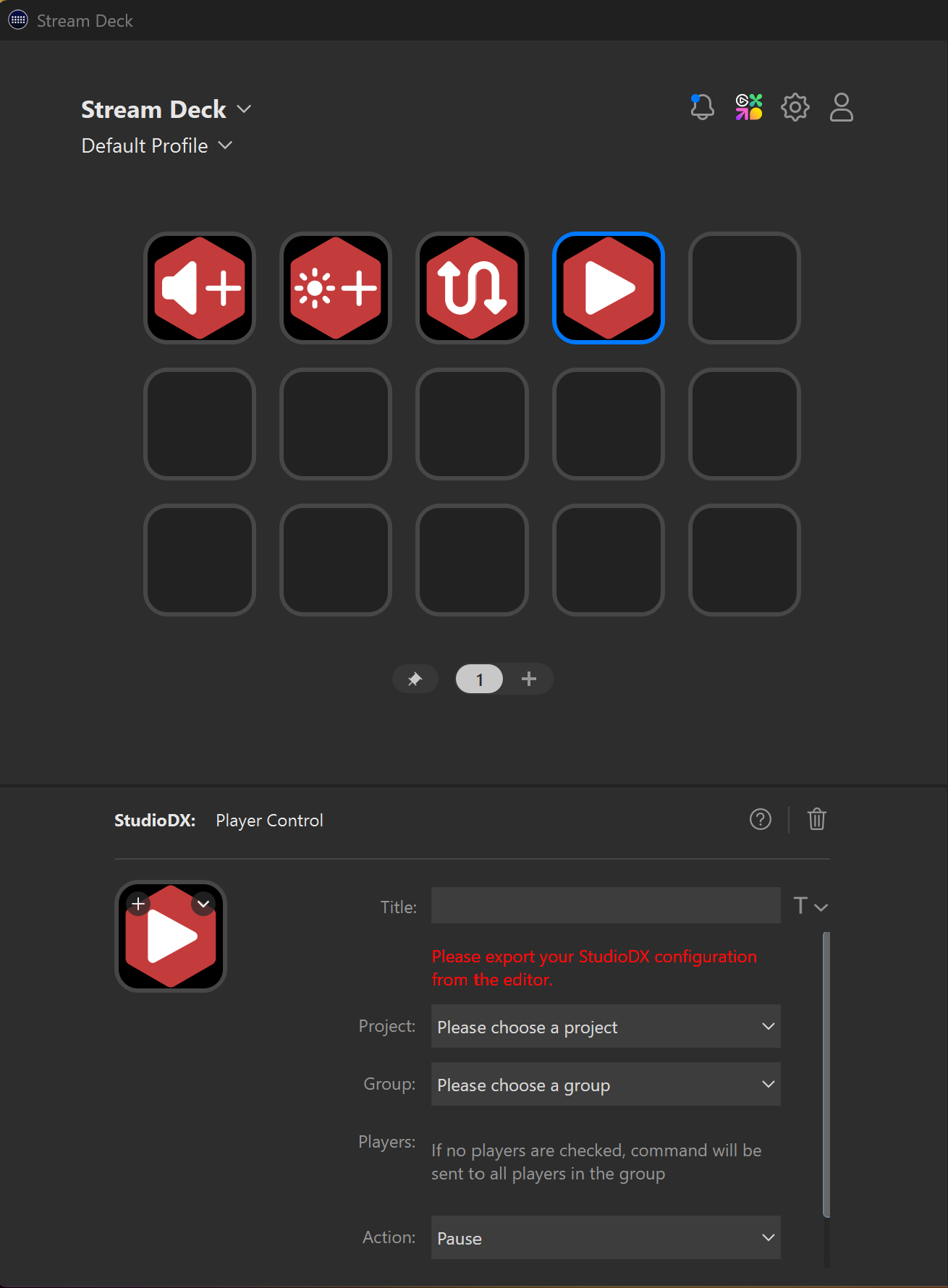
Then choose one of the following sub-actions from the dropdown.
Sub-Actions
Pause
- The current playlist will be paused.
Resume
- The current playlist will be resumed
Restart Playlist
- The current playlist will be restarted
Stop
- The current playlist will be stopped and show a black screen.